Part names and functions02
10
En
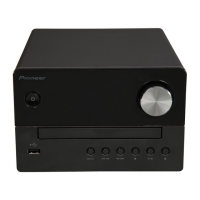
9 Remote control sensor
• Point the remote control to this, and then operate it
within approximately 7 m. The product may have trouble
capturing remote control signals if there is a fluorescent
light nearby. If this happens, move the product away
from the fluorescent light.
10
• Open or close the disc tray.
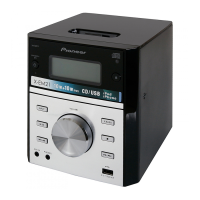
11 Main display
12 Disc tray
• Place the disc with the label side up.
13
P.BASS
• Switch P.BASS between on and off.
14
•Use to stop playback.
• In standby mode, press and hold to enable or disable the
feature demonstration.
15
• Skip to the next track.
• Press and hold to play forward quickly within a track.
• Tune to the next radio station.
• Press and hold to search the next radio station
automatically.
16
• Connect to a USB storage device.
17
VOLUME
• Rotate to increase or decrease the volume level.
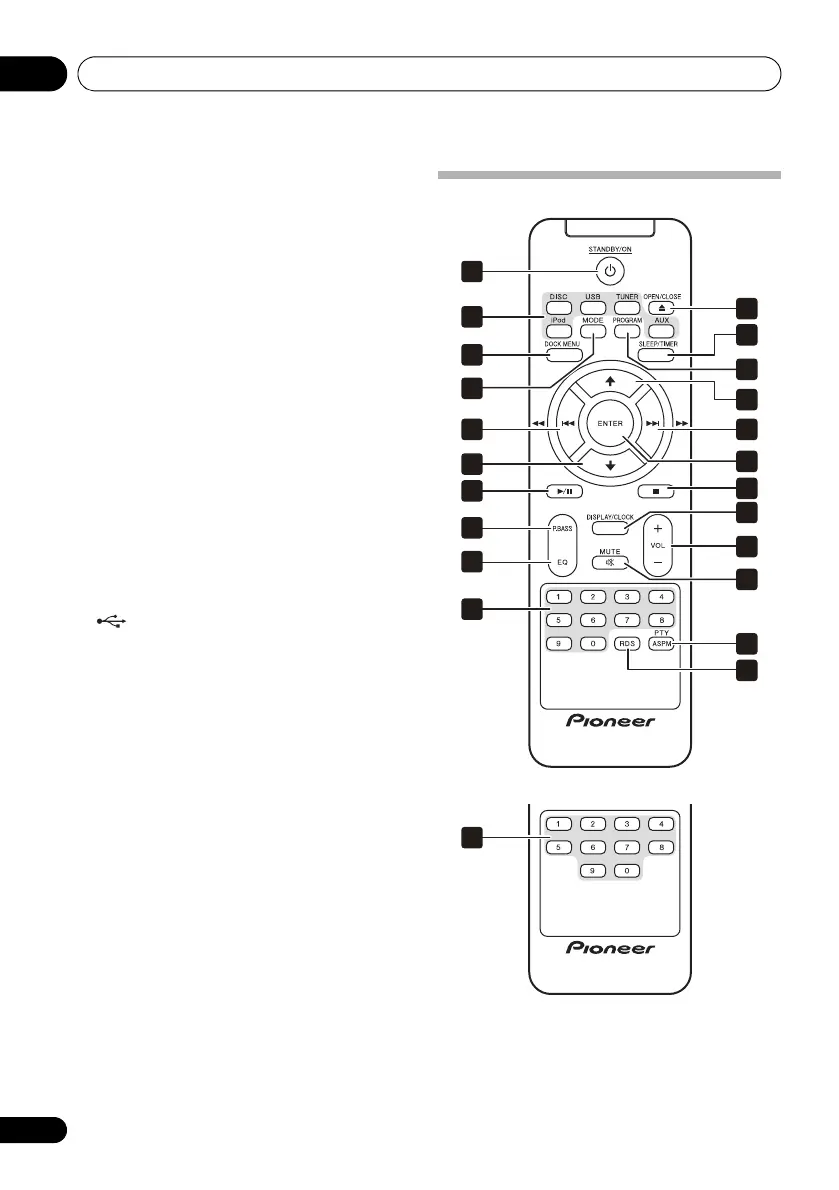
Overview of the remote control
12
15
17
19
1
2
3
5
6
5
7
8
9
11
4
13
14
10
10
6
16
18
20
European model
U.S. and Canadian model
02_part names and functions.fm 10 ページ 2012年6月13日 水曜日 午前11時6分
601-EM2100-010.pdf 10 2012/7/5 11:25:05


 To Next Page