Before you start 01
7
En
English
Français Español
Chapter 1:
Before you start
Introduction
With this system, you can:
• enjoy audio from discs, USB storage devices, iPod/
iPhone (X-EM21 only), and other external devices
• listen to FM radio stations
Playable media:
• Discs: CD-DA, CD-R, CD-RW, MP3-CD, WMA-CD
• Files: .mp3, .wma
•USB storage device
– Compatibility: USB 1.1/2.0 (Full Speed)
– Class support: MSC (Mass Storage Class)
– File system: FAT12, FAT16, FAT32
– Maximum number of albums/folders: 99
– Maximum number of tracks/files: 999
– Maximum level of directory: 8
• iPhone and iPod models (X-EM21 only)
– iPhone 4S
–iPhone 4
– iPhone 3GS
– iPhone 3G
– iPod touch (1st, 2nd, 3rd, and 4th generation)
– iPod nano (3rd, 4th, 5th, and 6th generation)
– iPod classic
What's in the box
Check and identify the contents of the package:
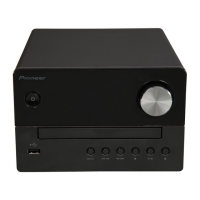
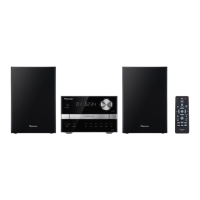
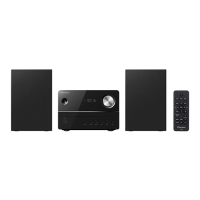
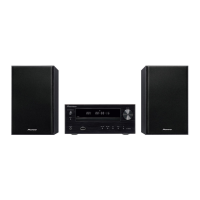
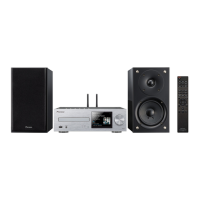
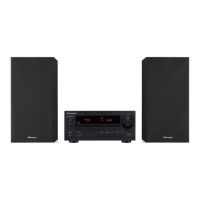
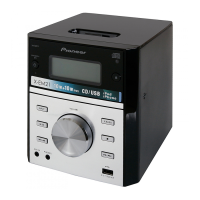
• Micro music system
•AC power cord
• Remote control
• Warranty card
• Operating Instructions (this document)
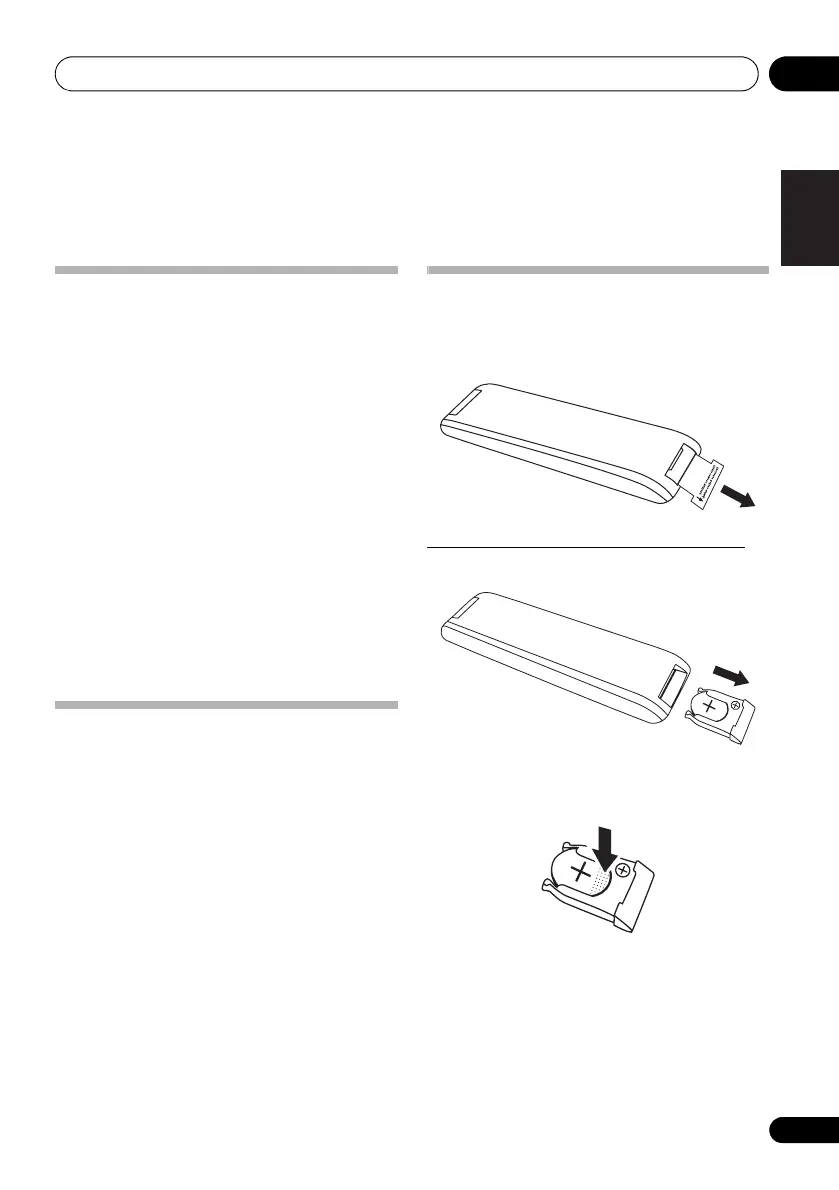
Battery installation of the remote
control
• Remove the insulation insert before the first
time use.
Replacing the battery (CR2025, 3 V).
1 Open the battery drawer indirection.
2 Gently press the edge of the battery (the
dotted section on the diagram below) and
remove the battery.
Open
X-EM21_SYXE8_En.book Page 7 Thursday, June 7, 2012 9:43 AM
601-EM2100-010.pdf 7 2012/7/5 11:25:05


 To Next Page