Playing05
14
En
Chapter 5:
Playing
Playing a disc
1 Press
DISC
on the remote control or
INPUT
repeatedly on the main unit to switch the source
to [
DISC
].
2 Press
to eject the disc tray.
3 Load a disc with the printed side facing up.
4 Press
again to close the disc tray.
Playback starts automatically after a few seconds.
• If playback does not start automatically, press to
start playback.
Playing from a USB storage device
This system can play .mp3 and .wma files that are copied onto
a supported USB storage device:
• Flash drive
• Memory card reader
• HDD: hard disk drive (This product can detect only a
portable HDD with USB power peak current no more
than 500 mA.)
Note
• Pioneer does not guarantee compatibility with all USB
storage devices.
• NTFS (New Technology File System) file system is not
supported.
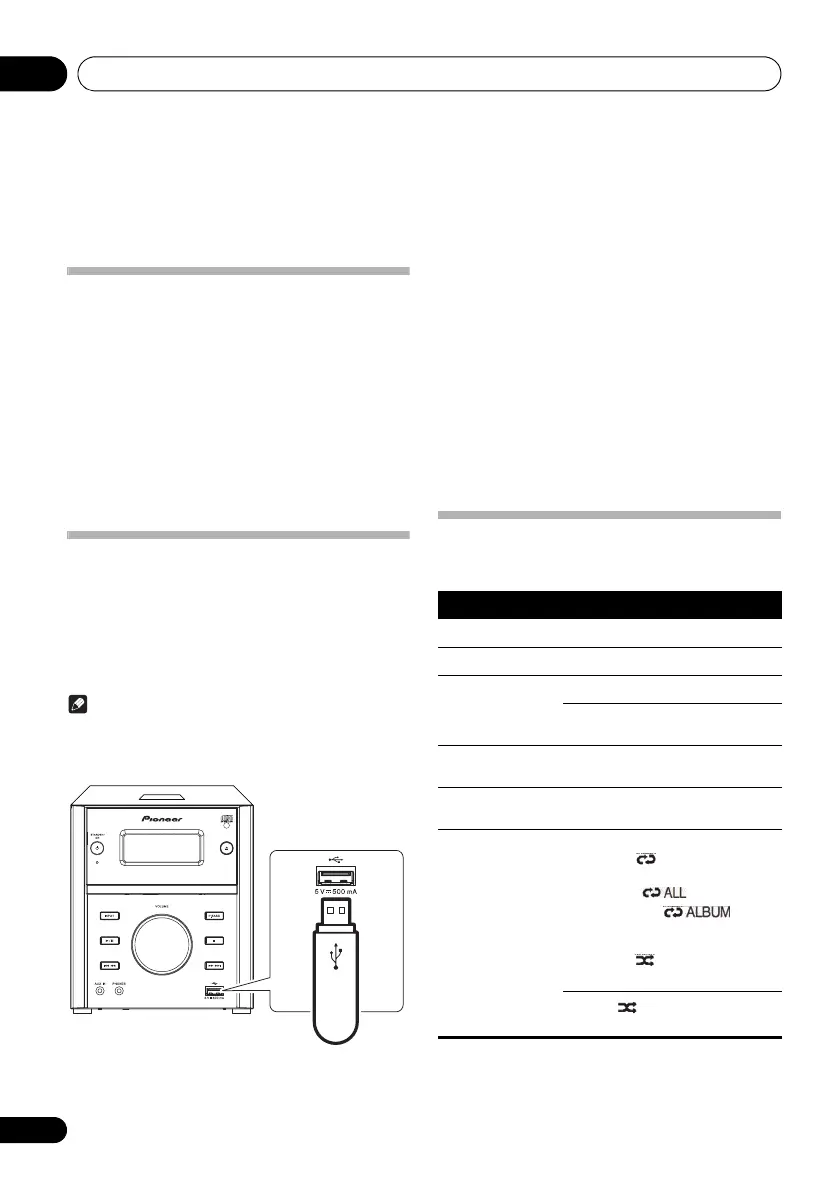
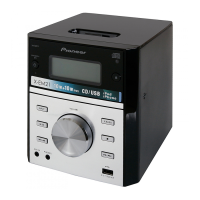
1 Connect the USB storage device to the
USB
socket.
2Press
USB
on the remote control or
INPUT
repeatedly on the main unit to switch the source
to [
USB
].
Playback starts automatically.
If playback does not start automatically,
1Press
/
to select an album.
2Press
/
to select a track.
3Press
to start playback.
Controlling playback
During playback, follow the instructions below to control
playback.
Buttons Functions
Pause or resume playback.
Stop playback.
/ Skip to the previous or next track.
Press and hold to rewind a track or
search forward fast within a track.
/ Skip to the previous or next album when
no less than one album exists.
Numeric buttons
(0 to 9)
Enter the number of a track to play it.
MODE Select an available play mode.
• Repeat 1 : repeat the current
track
• Repeat all : repeat all tracks
• Repeat album : repeat
the current album (only USB
function)
• Random : play tracks randomly
• Play tracks in sequence
Random is unavailable for
programmed tracks.
05_Play.fm 14 ページ 2012年6月13日 水曜日 午前11時7分
601-EM2100-010.pdf 14 2012/7/5 11:25:05


 To Next Page