EasyManua.ls Logo

Piper ARCHER II - GO AROUND; MANUAL PITCH TRIM WITH AUTOPILOT ENGAGED

Piper ARCHER II
286 pages
Print Icon
To Next Page IconTo Next Page
To Previous Page IconTo Previous Page
Loading...
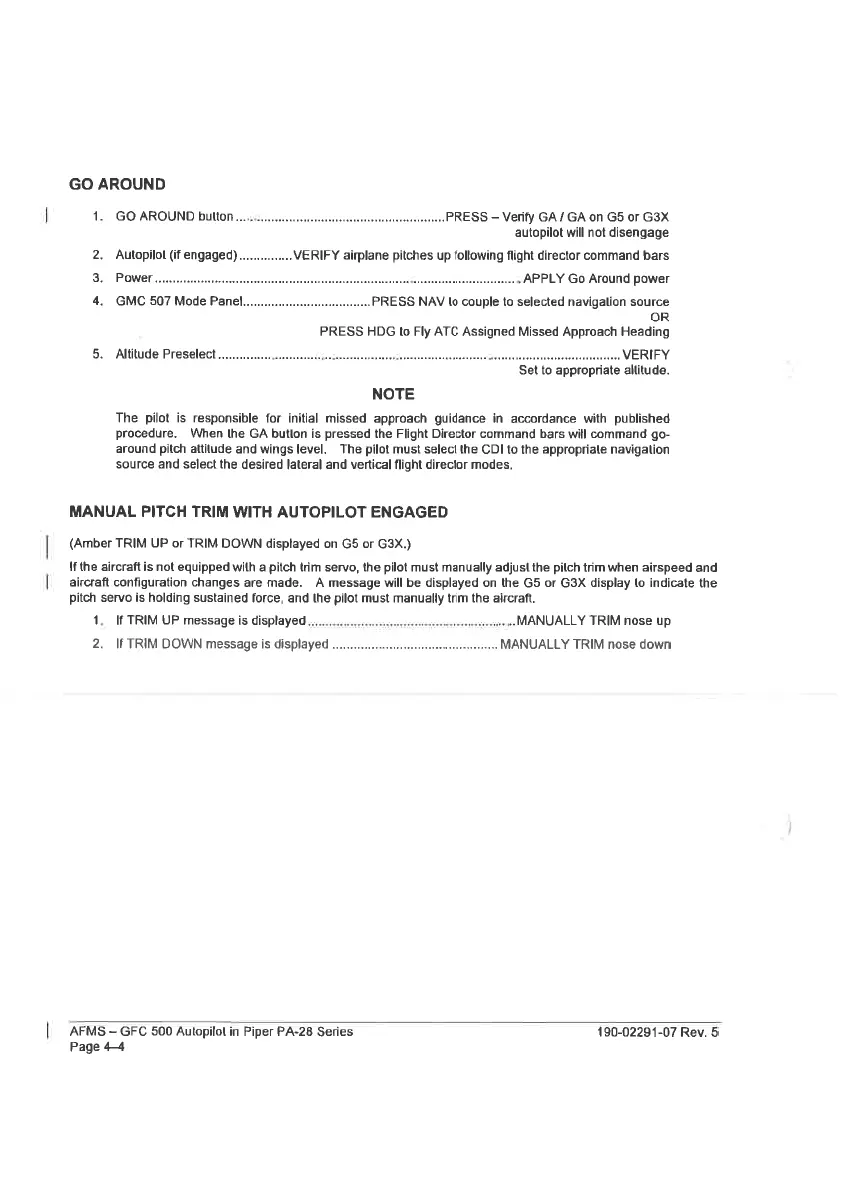
GO
AROUND
1.
GO
AROUND
DUNON
oi
ee
eeeeeeeccesenseeaenereseeseaeetaets
PRESS
-—
Verify
GA/
GA
on
G5
or
G3X
autopilot
will
not
disengage
2.
Autopilol
(if
engaged)...............
VERIFY
airplane
pitches
up
following
flight
director
command
bars
FB.
POWED
ee
cccceseetseetecenenenseneneannesens
.
APPLY
Go
Around
power
4.
GMC
507
Mode
Panel...
cceeeteeeeeeees
PRESS
NAV
lo
couple
to
selected
navigalion
source
PRESS
HDG
to
Fly
ATC
Assigned
Missed
Approach
Heading
5.
Altitude
Preselect
VERIFY
Set
to
appropriate
allitude.
NOTE
The
pilot
is
responsible
for
initial
missed
approach
guidance
in
accordance
with
published
procedure.
When
the
GA
bution
is
pressed
the
Flight
Director
command
bars
will
command
go-
around
pitch
attilude
and
wings
level.
The
pilot
must
select
the
CDI
to
the
appropriate navigation
source
and
select
the
desired
lateral
and
vertical
flight
director
modes.
MANUAL
PITCH
TRIM
WITH
AUTOPILOT
ENGAGED
(Amber
TRIM
UP
or
TRIM
DOWN
displayed
on
G5
or
G3X.)
{f
the aircraft
is
not
equipped
with
a
pitch
trim
servo,
the
pilot
must
manually
adjust
the
pitch
trim
when
airspeed
and
aircraft
configuration
changes
are
made.
A
message
will
be
displayed
on
the
G5
or
G3xX
display
lo
indicate
the
pitch
servo
is
holding
sustained
force,
and
the
pilot
must
manually
trim
the
aircraft.
1.
If
TRIM
UP
message
is
displayed
..............cc..ccsscseereeeseseseereeereeerersreevseeee
MANUALLY
TRIM
nose
up
2.
IF
TRIM
DOWN
message
is
displayed
...........ccsessscseseseseserseerenrersenes
MANUALLY
TRIM
nose
down
AFMS
~
GFC
500
Autopilot
in
Piper
PA-28
Series
190-02291-07
Rev.
5
Page
44

Table of Contents

Related product manuals