EasyManua.ls Logo

Piper ARCHER II - Page 261

Piper ARCHER II
286 pages
Print Icon
To Next Page IconTo Next Page
To Previous Page IconTo Previous Page
Loading...
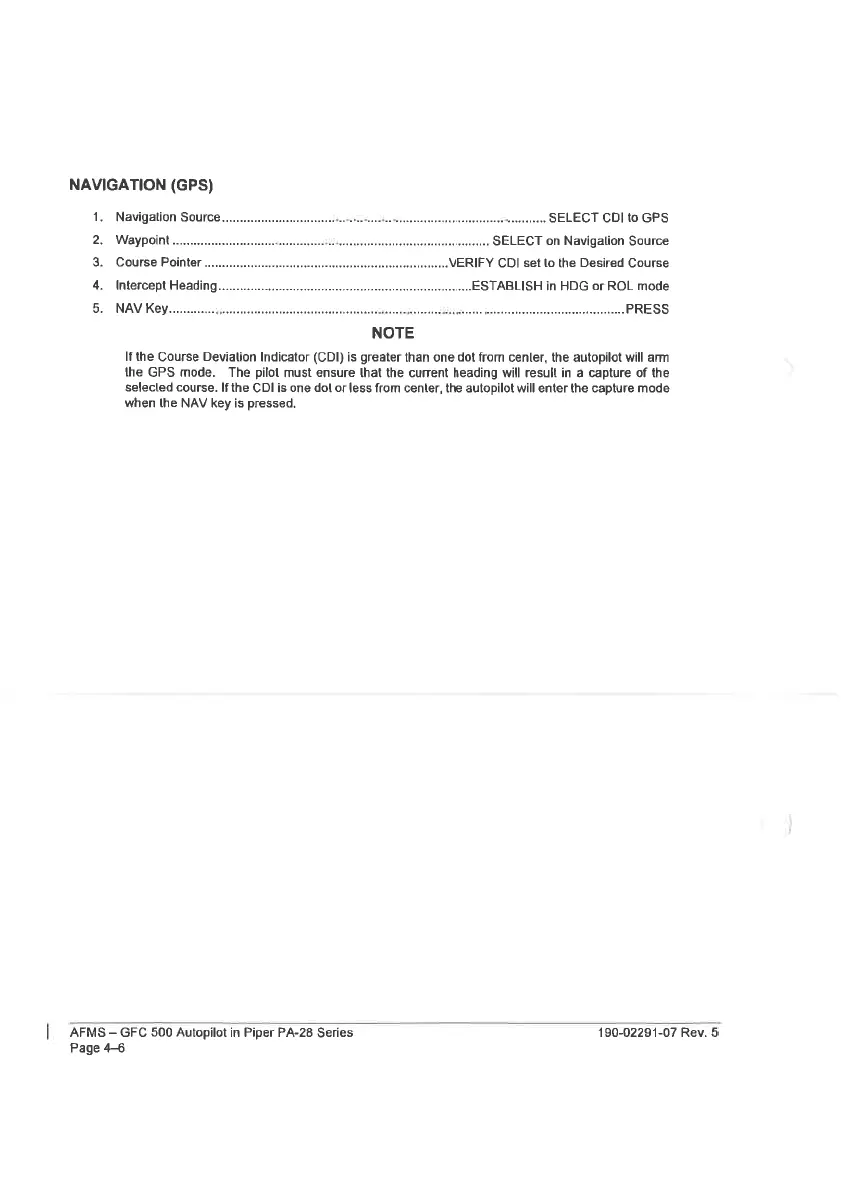
NAVIGATION
(GPS)
1.
Navigation
SOUrCO
0...
ccscccsessestescsssssescesescossesencsseesseseneees
sasneereneeareesd
eveeteneaee
SELECT
CDI
to
GPS
2.
WaAYPOIN
oo.
eee
secsecenssescesestscceeseesebessecteseeseseaeaeseaeseseersecsereerneecacees
SELECT
on
Navigalion
Source
3.
Course
Pointer
VERIFY
CDI
set
to
the
Desired
Course
4.
Intercept
Heading
ESTABLISH
in
HDG
or
ROL mode
5.
NAV
Key...
ccceseecssescsereessesssessernererensenseseessseaseensseseessasstsnseees
veBibisaeee
Seseeeeereeevseseneeneetentaess
PRESS
NOTE
If
the
Course
Deviation
Indicator
(CDI)
is
greater
than
one
dot
from
center,
the
autopilot
will
arm
the
GPS
mode.
The
pilot
must
ensure
that
the
current
heading
will
result
in
a
capture
of
the
selected
course.
If
the
CDI
is
one
dol
or
less
from
center,
the
autopilot
will
enter
the
capture
mode
when
the
NAV
key
is
pressed.
AFMS
GFC
500
Autopilot
in
Piper
PA-28
Series
190-02291-07
Rev.
5
Page
4-6

Table of Contents

Related product manuals