EasyManua.ls Logo

Piper ARCHER II - APPROACHES; ILS

Piper ARCHER II
286 pages
Print Icon
To Next Page IconTo Next Page
To Previous Page IconTo Previous Page
Loading...
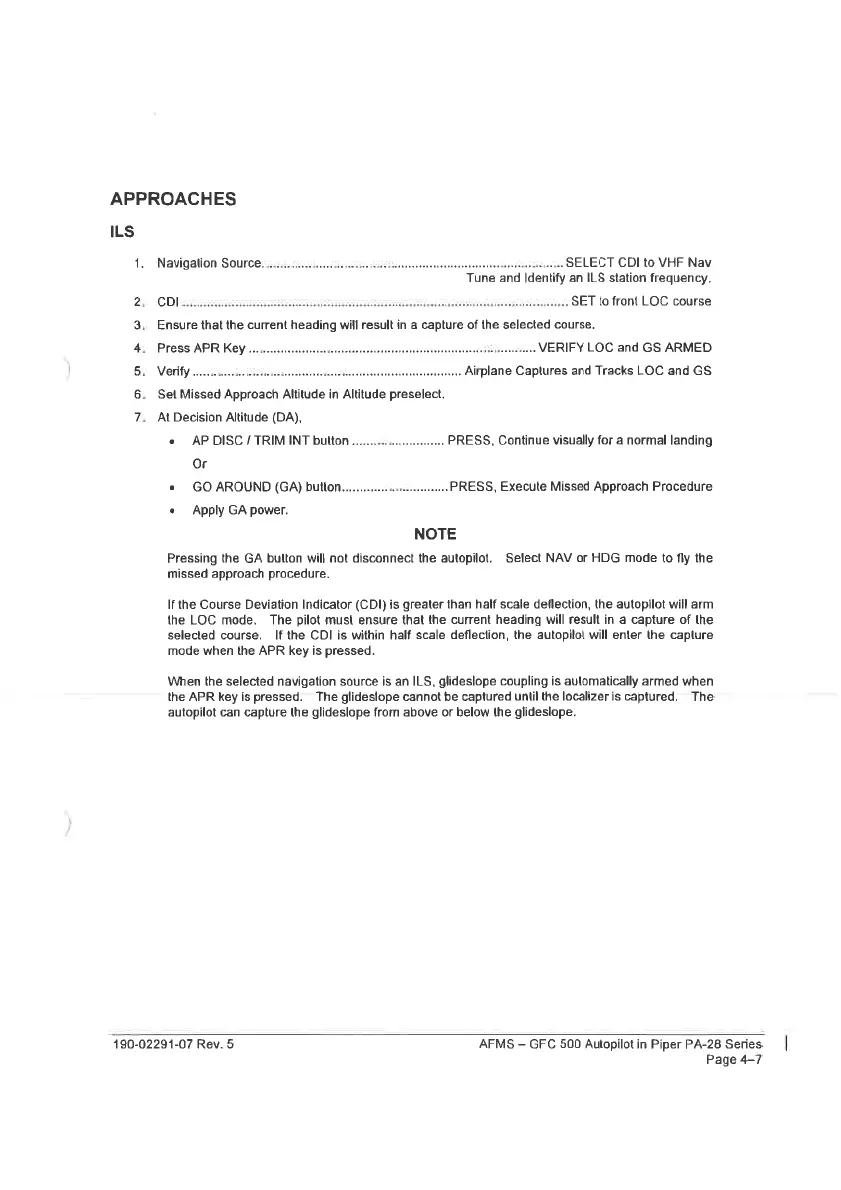
APPROACHES
ILS
1.
Navigalion
Source,
oo...
eccecccesceesececesineteseseetenteneetsstenerereaseerrenee
SELECT
CDI
to
VHF
Nav
Tune
and
Identify
an
ILS
station
frequency.
23
CD
satan
PSST
SaaS
aaNet
sigstttsieereneeee
SET
to
front
LOC
course
3.
Ensure
that
the
current
heading
will
result
in
a
capture
of
the
selected
course.
4.
Press
APR
Key
....
oes
VERIFY
LOC
and
GS
ARMED
5.
Verify
‘a
Y
:
Airplane
Captures
and
Tracks
LOC
and
GS
6.
Set
Missed
Approach
Altitude
in
Altitude
preselect.
7.
At
Decision
Altitude
(DA),
e
AP
DISC/TRIM
INT
bulton.......................
PRESS,
Continue
visually
for
a
normal
landing
Or
2
GO
AROUND
(GA)
button...
PRESS,
Execute
Missed
Approach
Procedure
«
Apply
GA
power.
NOTE
Pressing
the
GA
bulton
will
not
disconnect
the
autopilot.
Select
NAV
or
HDG
mode
to
fly
the
missed
approach
procedure.
If
the
Course
Deviation
Indicator
(CDI)
is
greater
than
half
scale
deflection,
the
autopilot
will
arm
the
LOC
mode.
The
pilot
must
ensure
that
the
current
heading
will
result
in
a
capture
of
the
selected
course.
If
the
CDI
is
within
half
scale
deflection,
the
autopilot
will
enter
the
caplure
mode
when
the
APR
key
is
pressed.
When
the
selected
navigation
source
is
an
ILS,
glideslope
coupling
is
aulomatically
armed
when
the
APR
key
is
pressed.
The
glideslope
cannot
be
captured
uniil
the
localizeris
captured.
The
autopilot
can
capture
the
glideslope
from
above
or
below
the
glideslope.
190-02291-07
Rev.
5
AFMS
GFC
500
Autopilot
in
Piper
PA-28
Series
Page
4-7

Table of Contents

Related product manuals