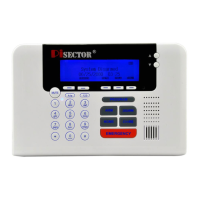
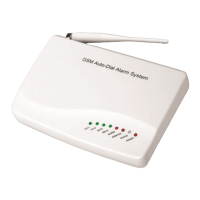
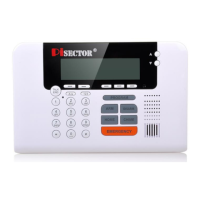
About System
Version press Enter you will find your software version
Production Date: press Enter you will see the producing time of your system
Manufacture By Pisector Inc.
Remotely Control Your Home Security Alarm System
Dial the number of the main unit panel by your cell phone, and after 1 ring, you will hear a voice prompt “Please
enter password”. If the password is correct, you will then hear a voice prompt “Please enter instruction" then you
can press 1 to arm, Press 2 to disarm, Press 3 to monitor. If the password is incorrect, you will hear a prompt
voice “Wrong password, please re-enter”.
The system default operate password is 888888. Make sure to enter the password firmly by pressing and holding
one digit at a time so you can hear a beep for each key press. You may need to hold keys for half a second at
a time.
Press [1]: arm, if finished successfully, you will hear a voice prompt “System armed”.
Press [2]: disarm, if finished successfully, you will hear a voice prompt “System disarmed”.
Press [3]: monitoring for 30 seconds, to continue monitoring, press [3] again for another 30 seconds. You can
cancel monitoring at anytime by pressing [1] to arm and [2] to disarm.
Answer Alarm Call: to prevent a alarm call answered by voice mail, you need to manually answer the incoming
call alarm on your pre-saved cell phone then press # # twice to stop it from calling the second number.
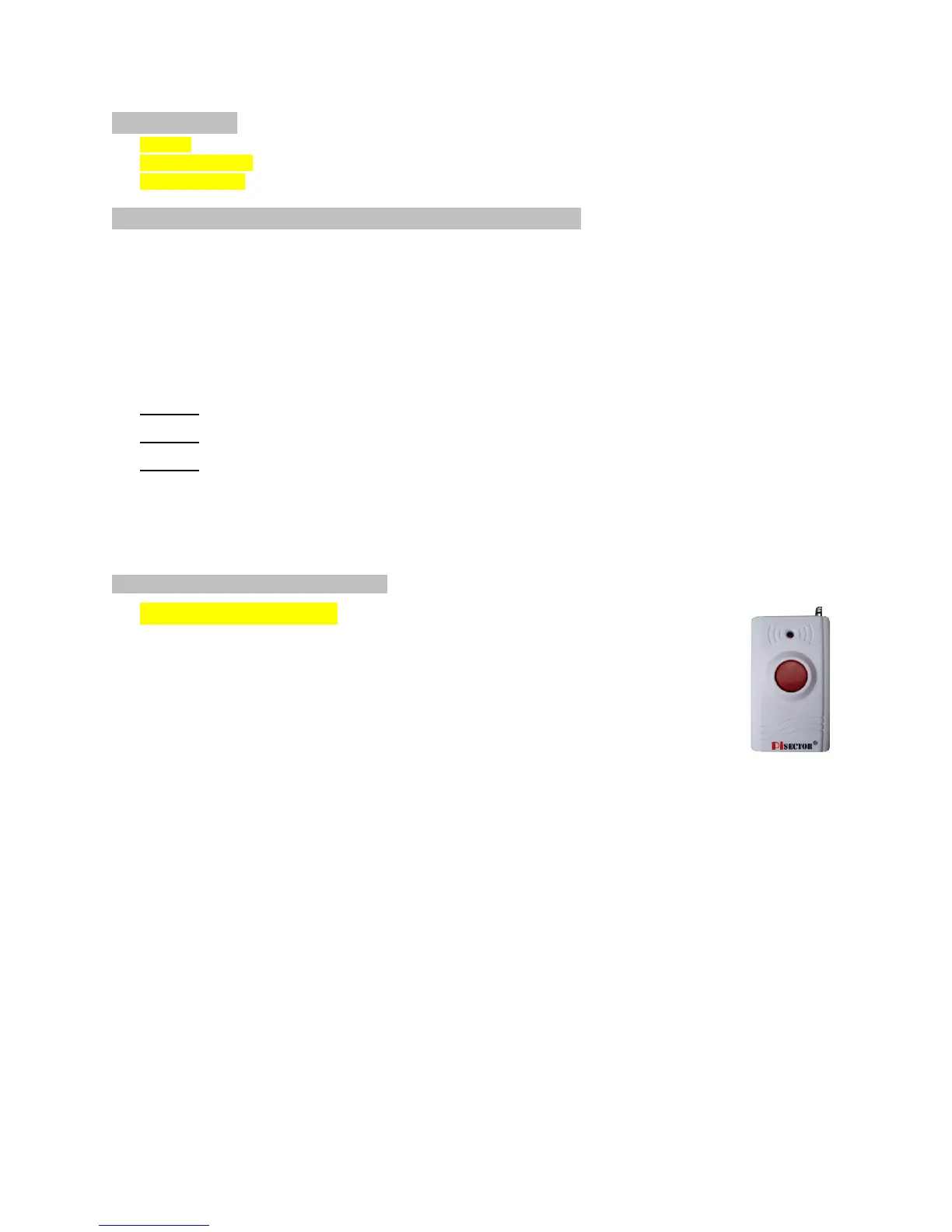
Wireless Panic Button (Option)
Program Panic Button
If you received a pre-Programed system kit, please ignore this step and do not
program it again.
Panic Button you need should be programmed to your console.
Press PROGRAM button on console, enter the default password 888 888
Use Scroll key to choose Sensor then press Enter on Console. Then choose Add,
press Enter again, then you will see Trigger Sensor. Trigger your Panic Button by
pressing the Red circle button. Then console will request you to add a Zone Name for this sensor.
Input a name for this sensor, then press SAVE. You will see Record Sensor Name*.
Set the Panic button as Emergency zone, use it in 24/7 regardless if the console is Armed or
Disarmed (Press PROGRAM button on console, enter the default password 888 888
Use Scroll key to choose Sensor then press Enter on Console. Choose Edit press Enter, then
choose Manual Search press Enter, use Scroll key to find Panic button name and highlight it then
press Enter, use Scroll key to choose Emergency zone then press Enter, highlight Yes then press
Save, use function key “Back” to exist the program ) SAME way you can add Smoke Detector,
Water Leak Sensor, Carbon Monoxide, and Temperature Sensors.
You also can add a Glass Break Sensor to your system.


 To Next Page
 Loading...