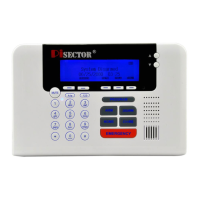
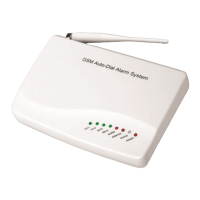
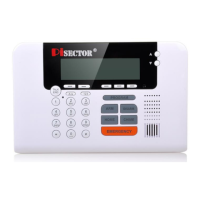
External antenna for cell phone reception
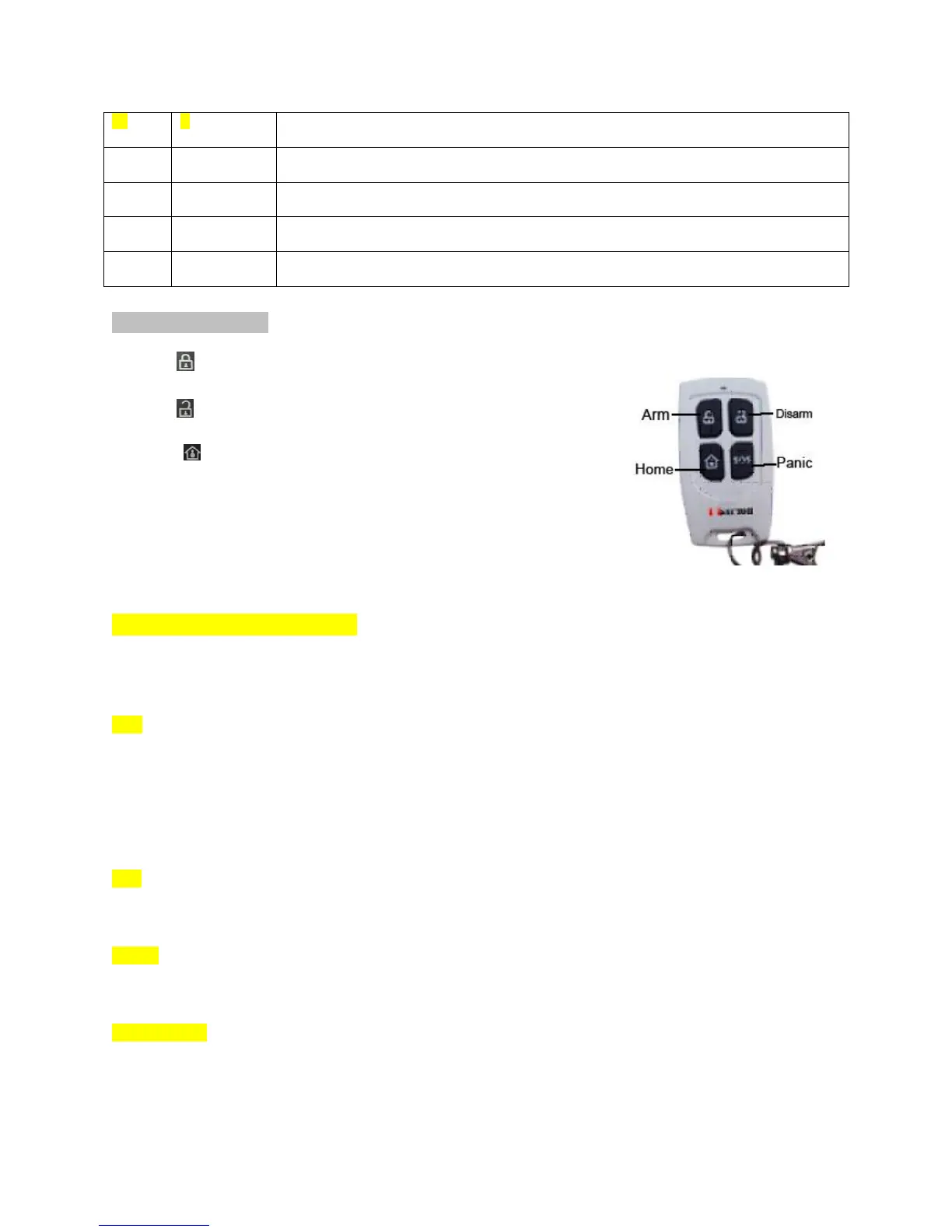
Keychain Remote
Press to Arm / Activate your system as Away from home
Press to Disarm/ Deactivate your system when you come back home
Press to Home arm /Active your system as Stay Home( if you go to
Sensor-Edit and set part of sensors for Home zone as No, when you press
Home, that sensor will disable, and all other sensors still enable)
Press”SOS” once for "silent emergency alarm mode”. This allows you to
call for help silently when someone threatens your life without triggering
the siren and alerting the invader. If you press “SOS” and hold for 3
seconds, the siren will start sounding loudly in emergency alarm mode.
Program Remote Keychain:
If you received a pre-Programed system kit, please ignore this step and do not program it again.
Press PROGRAM button on console, enter the default password 888 888. Select Remote
Controllers then press Enter on console you will see below list.
Add Select Add press Enter, then you will see Trigger Controller, press any button on your remote
Keychain. Nine digits will appear on console screen for 1-2 seconds. This is the unique address for
this keychain. The console will request you add an owner name for this remote. Input a name for this
remote and then press SAVE. You will see Record owner Name, then press Enter and record a voice for
this remote keychain.
Note: Each time you press Add, follow steps above. You can add one remote and a maximum of 8 Keychain
Remotes.
Edit select Edit press Enter to find the name of remote then press Enter you can edit the remote keychain
name or record a voice for the remote keychain.
Delete select Delete and press Enter, you can find all your remote names to delete one or all remote
keychains if you want to remove the remote keychain from panel.
Delayed Arm If you select Delayed Arm and press Enter, then set Yes, it will give you 60 seconds to
leave the house. Default is set Delay as Yes. It gives you 60 seconds to leave the house when you
do arm system by remote keychains. (You can change this time using System Settings menu,
under Arm delay time)


 To Next Page
 Loading...