Program and Mount Bracket Door/Window Sensors
If you received a pre-Programed system kit, please ignore this step and do not
program it again.
All new Door/Window sensors you need should be programmed to your console.
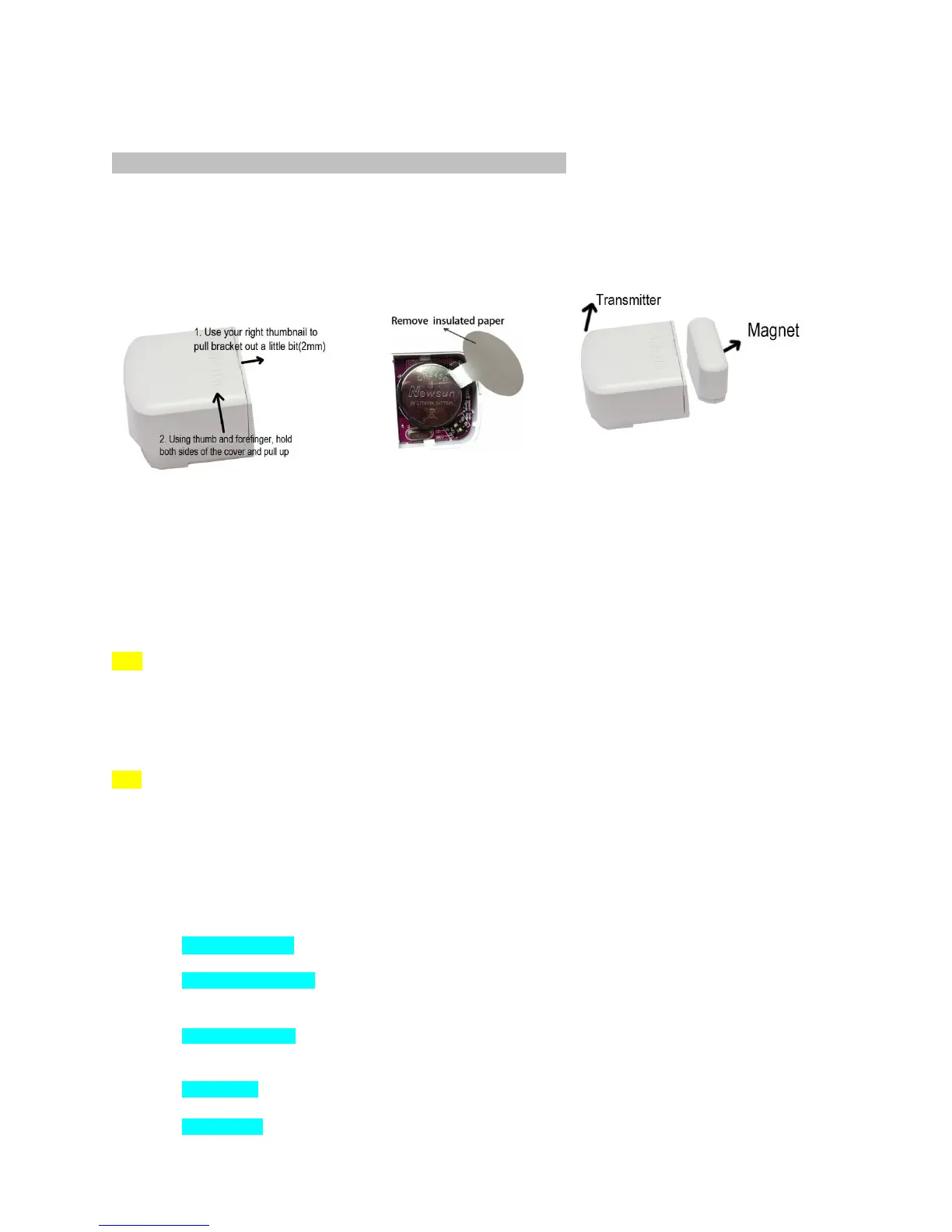
Open the cover and remove the insulated paper then close the cover.
Put small magnet next to sensor
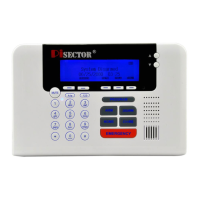
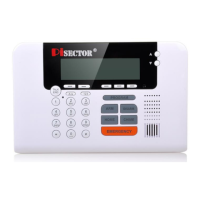
Press PROGRAM button on console, enter the default password 888 888. Use Scroll key to choose Sensor
then press Enter on Console.
Add press Enter again, then you will see Trigger Sensor / Code. Trigger your sensor by moving the
small magnet away from the large transmitter. Then console will request you to add a Zone Name for
this sensor. Input a name for this sensor, then press SAVE. You will see Record Sensor Name*.
Note: Each time you press Add, follow above steps.You can add from one up to fifty sensors.
Edit select it then press Enter, you can use Auto search or Manual search to find your target sensor and high light it
then press Enter to Edit Sensor Functions as below list
Note: if you don’t know sensor name then choose Auto Search, when you trigger an individual sensor and its
name will be displayed on the panel. Select the sensor name and press Enter, then you will see the menu
displays as below: (MAKE SURE ONLY ONE SENSOR IS TRIGGERED EACHTIME TO AVOID ANY
ACCIDENTAL TRIGGERING OF A DIFFERENT SENSOR. PLEASE KEEP ALL YOUR MOTION SENSORS
IN DIFFERENT ROOMS, AND MAKE SURE THAT ALL WINDOW/DOOR SENSORS MAGNET PARTS ARE
ATTACHED TO LARGER PARTS AS CLOSE STATUS.)
Edit Zone Name: Highlight Edit Zone name, press Enter and you will be able to rename the sensor.
Record Zone Name: Highlight it press Enter, select “Record”, you are able to record 5 seconds of your
own voice accordingly. If recording a sensor name in your own voice to identify a sensor, when you
receive an alarming call on your cell phone or any other phones, you will hear the sensor name.
Emergency Zone Highlight it press Enter, Default is NO, (If you set YES, the zone will be on 24hours,
regardless of your system’s Arm or Disarm status. This is recommended to be used for smoke detector, panic button,
water leak sensor and temperature sensors only. DONOT set any door sensor or motion sensor as Emergency zone).
Home Zone Highlight it press Enter, Default is YES, ( if you select NO, the zone will disable during home alarm
status, recommended for motion sensor NO, and all Window/door sensor YES)
Chime Zone Highlight it press Enter, Default is NO,( if you set as YES, the zone will alert you as a bell during


 To Next Page
 Loading...