Solstice I12 Cooking Computer Service
Pitco P/N 60149514
Page 11 of 24 L20-379 Rev 0
4 To Enter Programming Level 1 (for the Store Manager):
Note: The factory default setting for this control does not require a password to be entered.
However, the operator password requirement and value may be changed in section 3.2.
Entry of a password when NOT required will not interfere with the programming process.
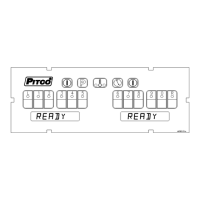
With no cook timers running, displays will show one of the following displays:
;
, or . Press the key.
If display shows:
, a password is required
Enter password
using the product keys
as a numeric keypad for entry. With correct password entry,
display will show
.
4.1 To Set Cook Temperature:
Press the key once. The display will show [SET xxxF] [TEMP] or [SET xxxC] [TEMP],
where “xxx” is the temperature setting.
Use the product keys for numeric entry to adjust the current setting. Press the key to
save setting. Display now shows
. To exit here, press again, or
continue.
If display shows ;
You do not need to enter a
password.


 To Next Page