Solstice I12 Cooking Computer
Pitco P/N 60149514
Page 13 of 24 L20-379 Rev 0
4.2.4 Hold Pre-Alarm
Hold Pre-Alarm is a timer setting that is used to warn operators that the Hold Time is about to
expire. To use Hold Pre-Alarm, the time value must be a non-zero value, and, must be set to a
value less than Hold Time. Default value is zero, meaning the Hold Pre-Alarm is inactive.
Display is showing [PAn mm:ss] [TIME] where PA means Pre-Alarm, “n” is the key number,
and “mm:ss” is minutes and seconds.
Use the product keys for numeric entry to adjust the current setting. Press the key
to save pre-alarm time. Note: Value entered for hold pre-alarm time is the time from the
end of the hold period.
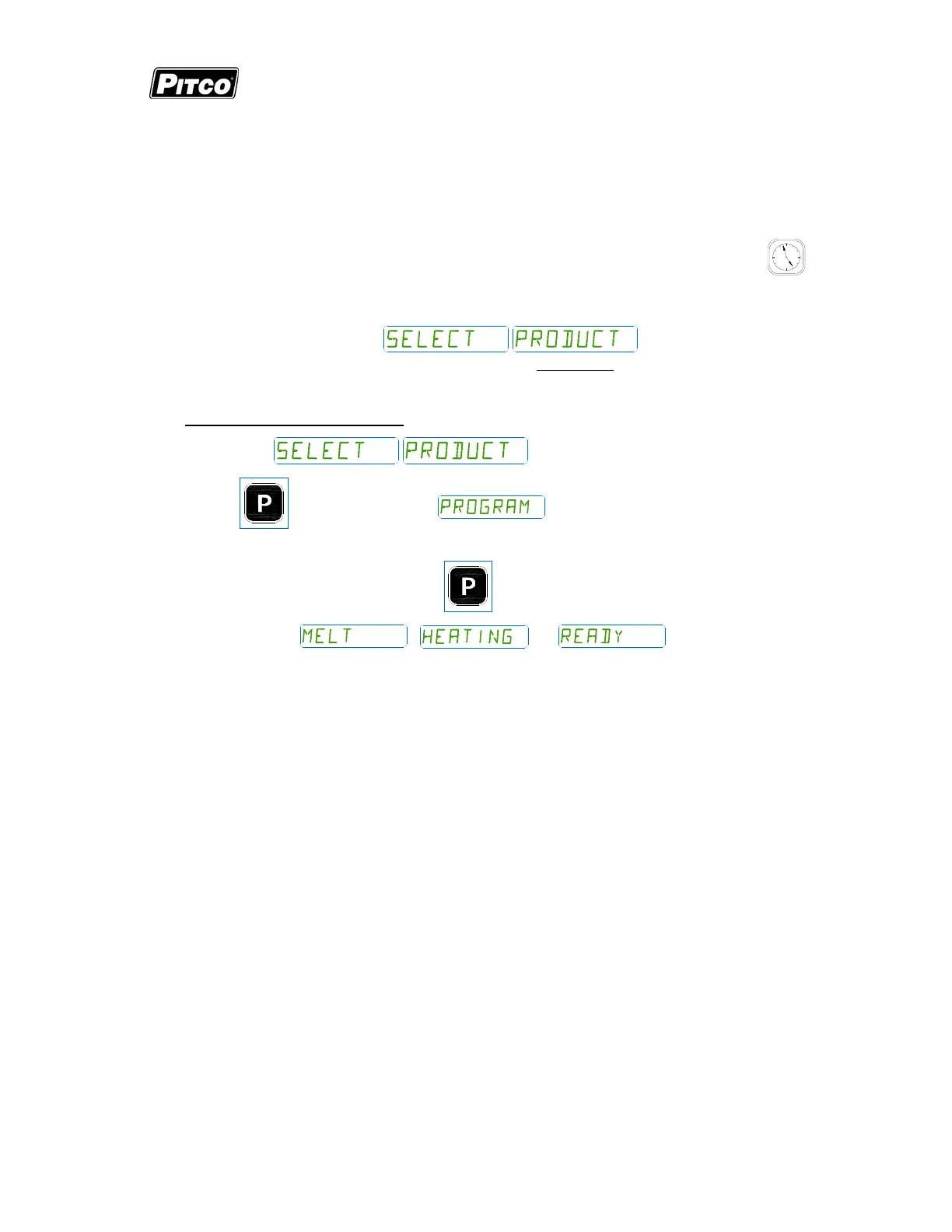
Display will again return to
. Repeat steps from section
2.2.2 to make changes to any other product keys or continue.
4.3 To Exit Level 1 programming:
Display shows .
Press the
key. Display shows . Continue to section 3 “To Change
Options”, or, exit here in the next step.
To exit Level 1 programming, press the
key again.
Displays will show
; , or , when no active cooks
are running.


 To Next Page