SL-397-D Scale Installation
Signing into SendPro®
If you are not already signed into SendPro®, sign into SendPro® using the
link in the welcome email.
spo.pitneybowes.com
Downloading the Scale Utility
1.
In SendPro® Click on the Help icon.
2. Select Download SendPro® Scale Utility for Windows.
3. Select Run or Open (this depends on your internet browser).
4. Follow the prompts on screen to install.
5. Click Finish.
Connecting your Scale
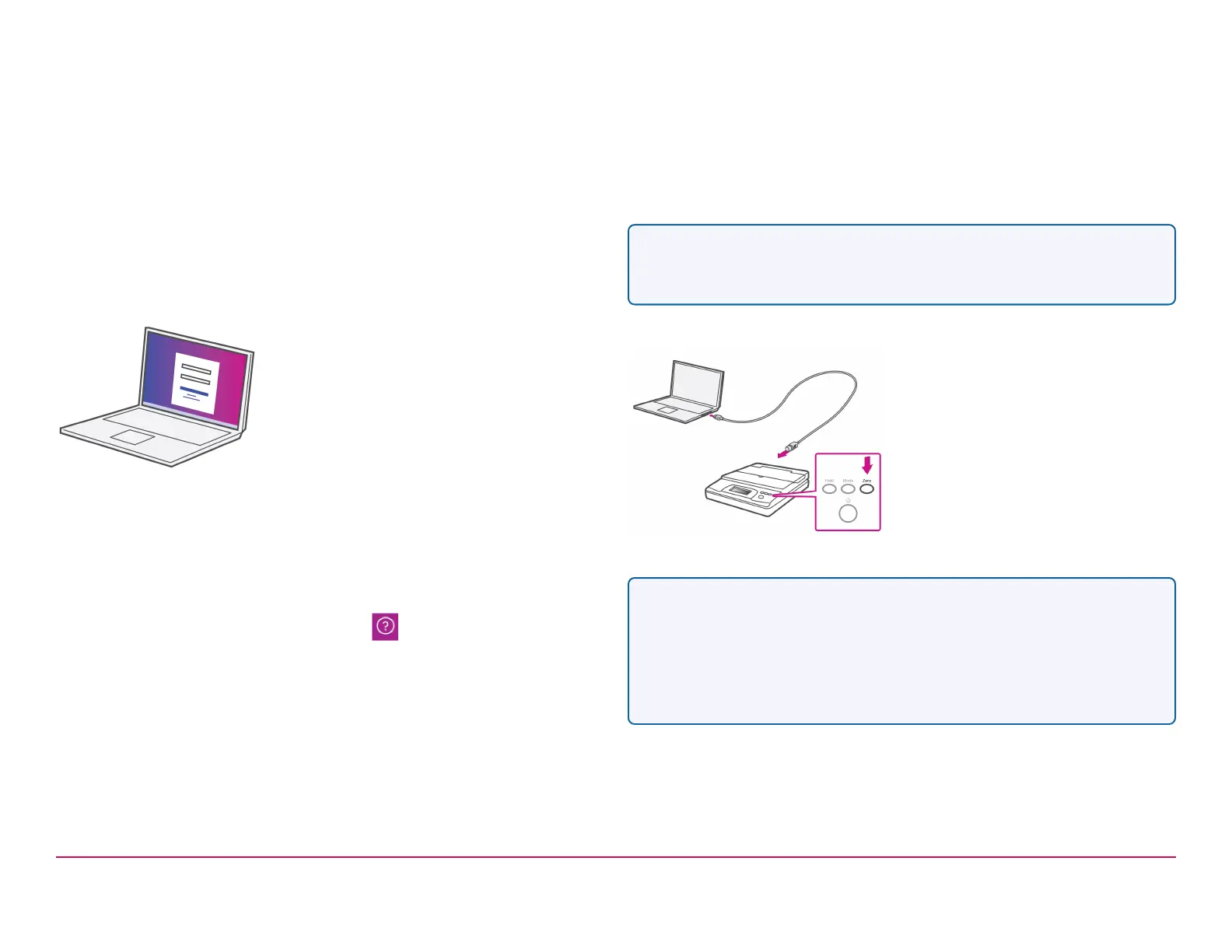
1. Place your scale on a firm and flat surface near to your computer.
2. Connect your scale to your computer using the USB cable supplied.
Then press the Zero button.
3. Press the Mode button to select Kg
Note- If you do not wish to use a USB to connect your scale refer to
www.pitneybowes.com/uk/sendkit for information on battery installation.
If you have a SendKit and have not yet installed your Printer please go to
the Front/ Introduction pages of this guide and select the relevant Printer
Installation Instruction. If you have completed your setup, get yourself up
and running quickly by visiting the Using your Equipment section of this
guide.
Pitney Bowes Installation Instruction November,2020 Page 12 of 17



 To Next Page