Signing into SendPro®
Sign into SendPro® using the link in the welcome email.
spo.pitneybowes.com
Connecting the Printer
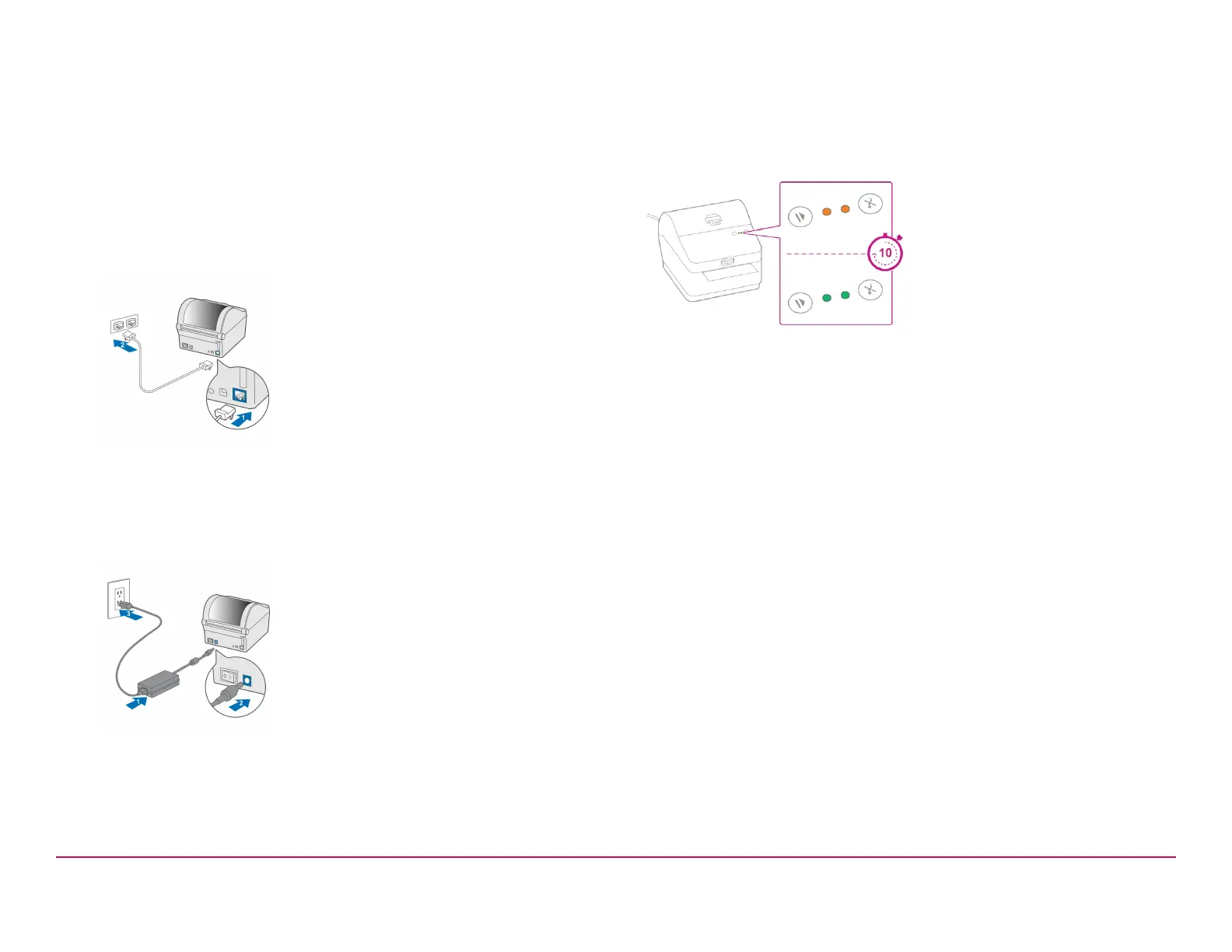
1. Connect your Network cable to your printer and Network socket.
2. Ensure you have the correct power cord for your region.
3. Connect the power cord and adapter (as shown) to your printer and
switch on.
Printer Ready
Wait for about 10 seconds until the 2 green lights remain constant and the
printer is ready.
Pitney Bowes Installation Instruction November,2020 Page 8 of 17



 To Next Page