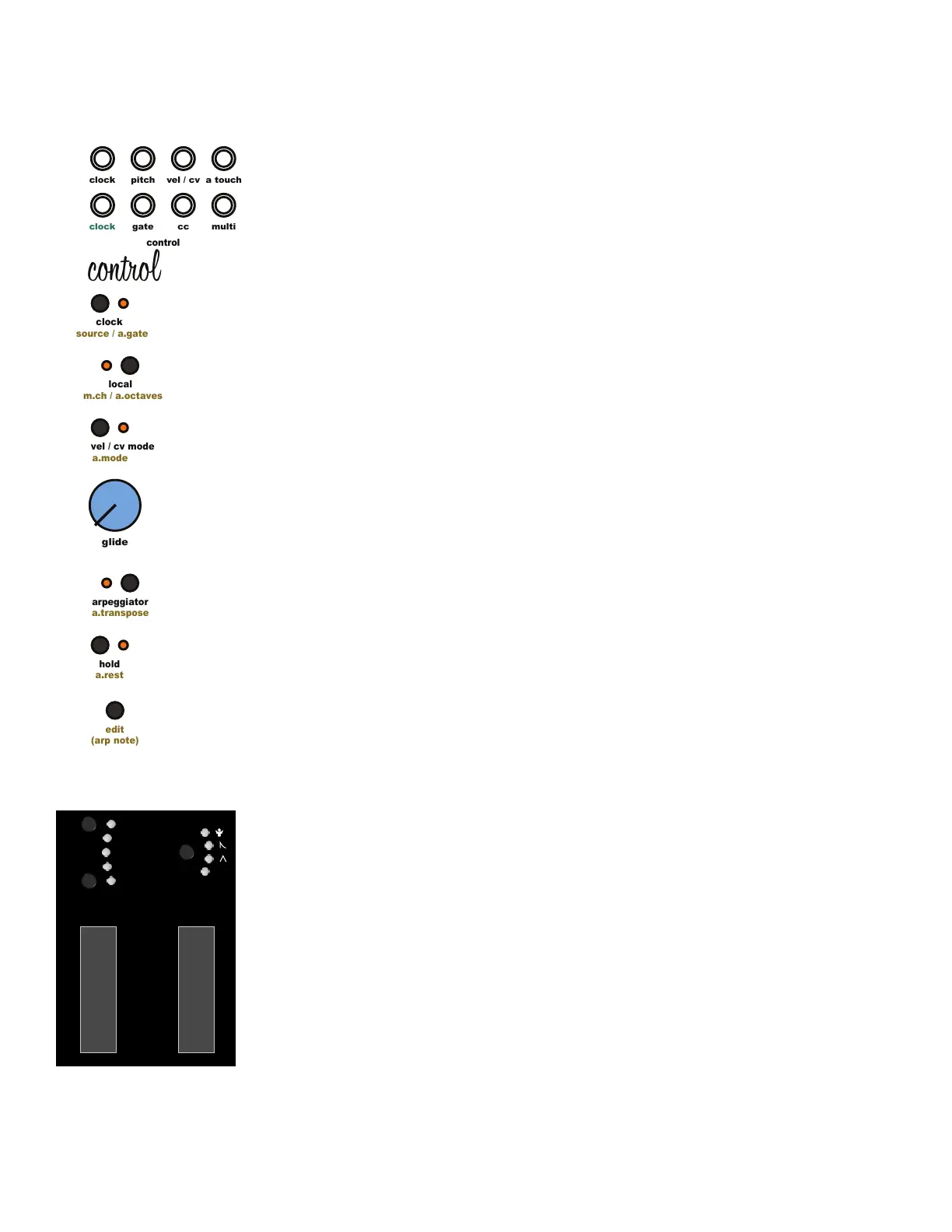
5.31 Saving to Memory:
Taiga automatically saves digital settings to memory 3 seconds after changes are made as
long as the arpeggiator is disabled. If the arpeggiator is enabled, Taiga will wait to save any
changes until the arpeggiator is disabled.
5.32 Input Jacks:
[Control Clock In Jack] Clock input jack. Used as clock source when in external clock mode.
5.33 Output Jacks:
[Control Clock Out Jack] Clock output jack.
[Pitch Jack] Outputs 1 volt per octave CV signal for pitch based on MIDI or arpeggiator note
on information.
[Velocity / CV Jack] Outputs a 0v to +5v signal based on the selected Velocity mode settings.
[Aftertouch Jack] Outputs a 0v to +5v signal based on keyboard or incoming MIDI aftertouch
value.
[Gate Jack] Outputs a 0v or +5v gate signal for based on MIDI or arpeggiator note on
information.
[CC Jack] Outputs a 0v to 5v signal based on the incoming MIDI CC
values.
[Multi Jack] Outputs a 0v to 5v signal based on the selected Multi-Function Tool settings.
5 Control Module
clock
clock
pitch
cc
gate
control
edit
(arp note)
a.mode
vel / cv mode
a.transpose
arpeggiator
a.rest
hold
source / a.gate
clock
m.ch / a.octaves
local
glide
multi
a touch
vel / cv
control
lfo 1 range
oct +
lfo 2 range
oct -
p.wheel
multi-
function
5v



 To Next Page