1 5
1 4
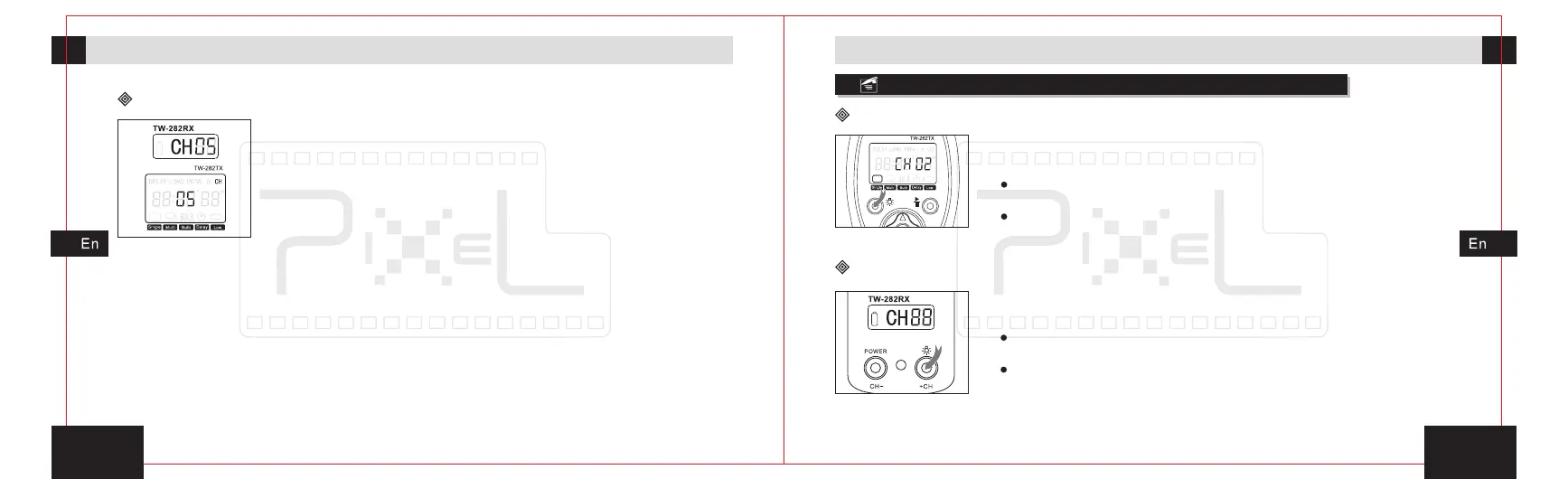
Channel model
Open the background light of display
3s
3s
Preparation for installation and usePreparation for installation and use
1. When the transmitter's communication channel adjust
to will effectively control all channels within the
region of the receiver .
2. When the receiver's communication channel adjust
to , all transmitter in the effective reception area can
control the receiver.
3. The
inconsistent, the
transmitter will not be effectively controlled the receiver.
[ -- ]
[ -- ]
transmitter and receiver’s value of communication
channels setting must be consistent .If
Press and hold the background light button for 3 seconds,
the background light will be turned on.
Open the background light of the receiver and press the button
twice each 4 seconds, the background light will keep lit.
The background light will not be close by hand; it will turn off
after 4 seconds automatically without any operation.
Press and hold the background light button for 3 seconds,
the background light will be turned on.
Open the background light and press the button twice each 6
seconds, the background light will keep lit.
The background light will not be close by hand; it will turn off
after 6 seconds automatically without any operation.
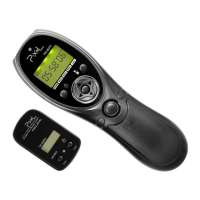
The transmitter(TW-282TX)
The receiver(TW-282RX)


 To Next Page