1 9
1 8
Shooting control
Shooting control
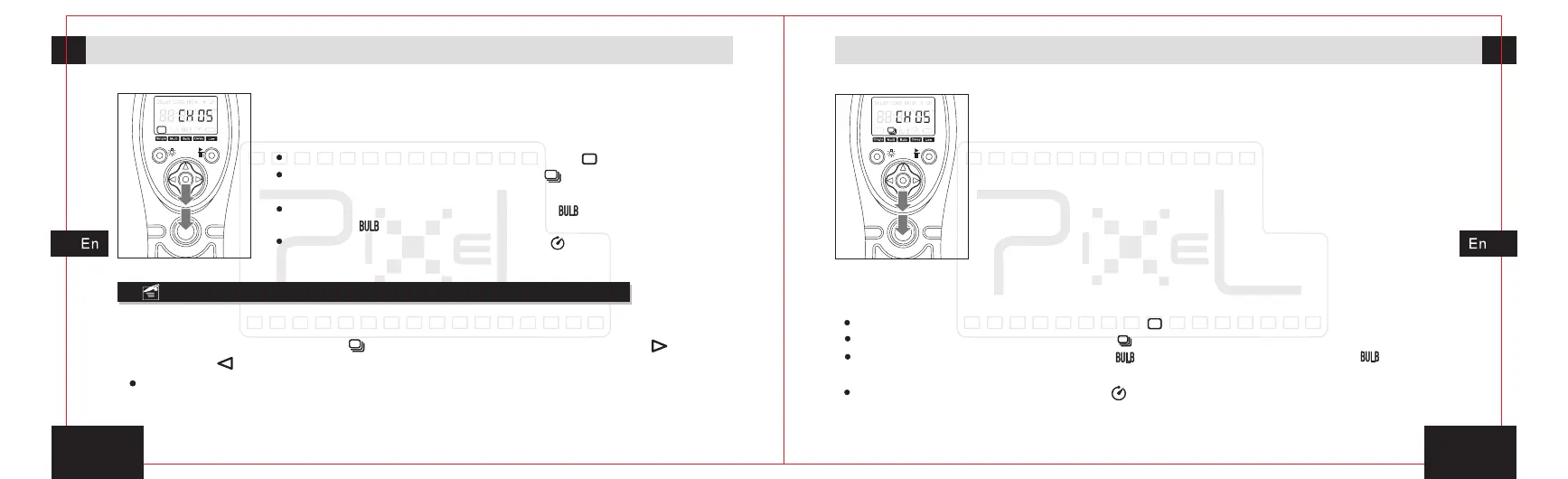
3. Full-press the release button and transmitter will send
signal of shooting. The red indicator will light for a while,
the camera start shooting.
Make sure to set the camera function to be [ ].
When the camera function is set to be[ ], it may cause continuous
shooting.
When the camera function is set to be[ ],the camera will shoot
based on[ ]mode, it may cause underexposure or overexposure.
When the camera function is set to be [ ], the camera will execute
delay shooting.
Continuous shooting within one sec
1. In the power-on state, move the transmitter’s activities icon to continuous
shooting within one sec icon[ ] by pressing the left move button[ ]or right
move button[ ].
Continuous shooting within one sec second is patent function which issued by
Pixel limited Enterprise, it'll support spacing continuous shooting within one sec and
never change the single shooting mode.
the firs
2. Half-press the release button and transmitter will send
signal for focusing, the green indicator will lit on the
transmitter and receiver, and the camera is in the focusing
state until the release or full-press the button.
3. Full-press the release button, red indicators of the
transmitter and receiver will be lit, keep fully press the
button, the transmitter will send signal of shooting
continuously, the indicators will blink red and green light
in turn. The camera will start to shot, and the shooting
speed will be one photo per sec.
4. Release the release button, the transmitter stop sending signal for shooting
and the camera will stop shooting.
Make sure to set the camera function to be [ ].
When the camera function is set to be [ ], it may cause continuous shooting.
When the camera function is set to be [ ],the camera will shoot based on [ ] function,
it may cause underexposure or overexposure.
When the camera function is set to be[ ], the camera will execute delay shooting.

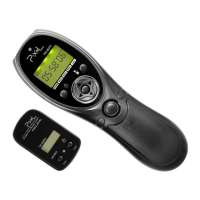

 To Next Page