2 1
2 0
Shooting control
Shooting control
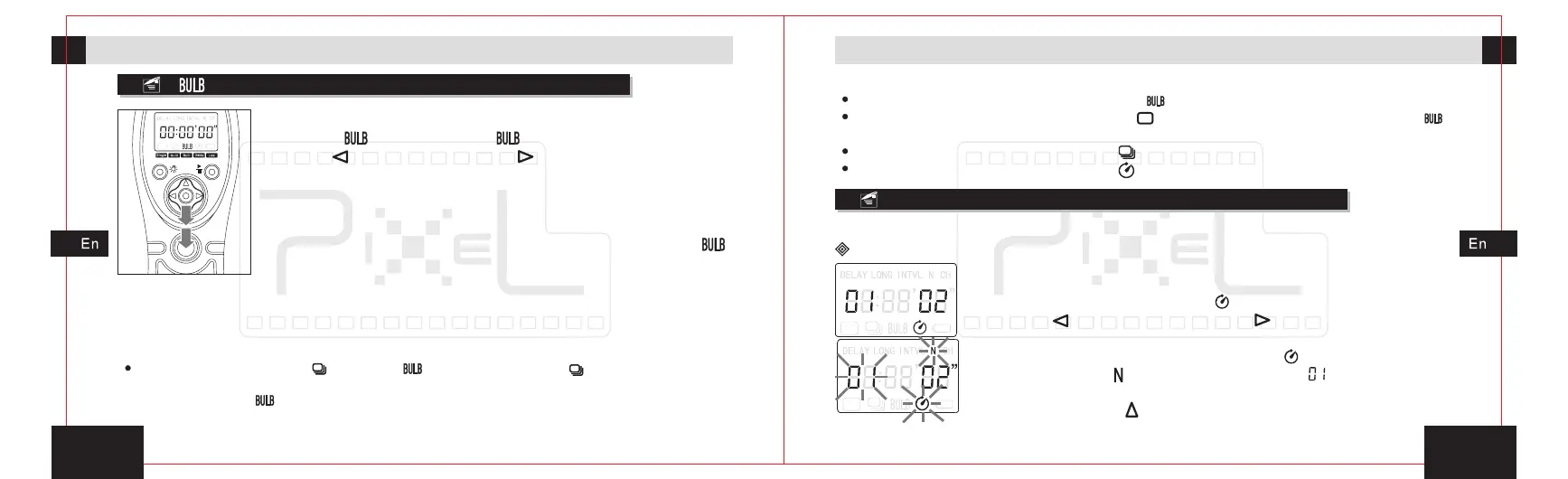
[ ]shooting
1. In the power-on state, move the transmitter's activities
icon to [ ] shooting icon[ ] by pressing the left move
button[ ]or right move button[ ].
2. Half-press the release button and transmitter will send
signal for focusing, the green indicator will lit on the
transmitter and receiver, and the camera is in the focusing
state until the release or full-press the button.
3. Full-press the release button, transmitter will send[ ]
signal. The red indicator of transmitter starts flashing and
start timing, the indicator of receiver will keep lighting.
The transmitter continuous output shooting signal.
Camera enters into exposure shooting continuously.
4. Press the release button again, transmitter will stop output shooting signals,
camera stop exposure shooting.
The differences between[ ]mode and[ ]mode are as follow: [ ]function is the release
button is pressed fully and keep on, camera starts shooting until the release button is
released. While[ ] function is the camera will start shooting when the release button is
pressed fully until press it again, the shooting will stop.
Make sure to set the camera function to be [ ].
When the camera function is set to be [ ], the camera only shoot once but not[ ]
shooting.
When the camera function is set to be [ ],the camera will be continuous shooting.
When the camera function is set to be [ ], the camera will be delay shooting once.
Delay shooting
Delay shooting setting
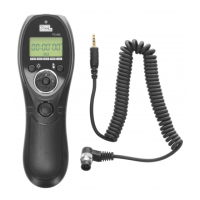
The delay shooting function of TW-282 can user-defined the delay time and shots.
1. In the power-on state, move the transmitter’s activities
icon to delay shooting icon[ ] by pressing the move
button[ ]or right move button[ ]. Press the set button
entering the delay setting for adjusts the shooting
numbers. The delay shooting icon[ ], the numbers of
shooting icon [ ],number of shooting [ ]will blink at the
same time.
left
2. Press button[ ]settings shot number can be increased,


 To Next Page