8 | Dome EX Display
Install the Display Controller
Before you install the Dome DX2 or the AX3 display controller,
choose a well-ventilated location with an adequate amount of space.
Excessive heat cannot dissipate when display vents are blocked.
Make sure a grounded AC outlet is within easy reach.
When installing multiple display controllers, install all boards before
you install the display driver.
Turn your computer off. Leave the power cord plugged into the
grounded outlet.
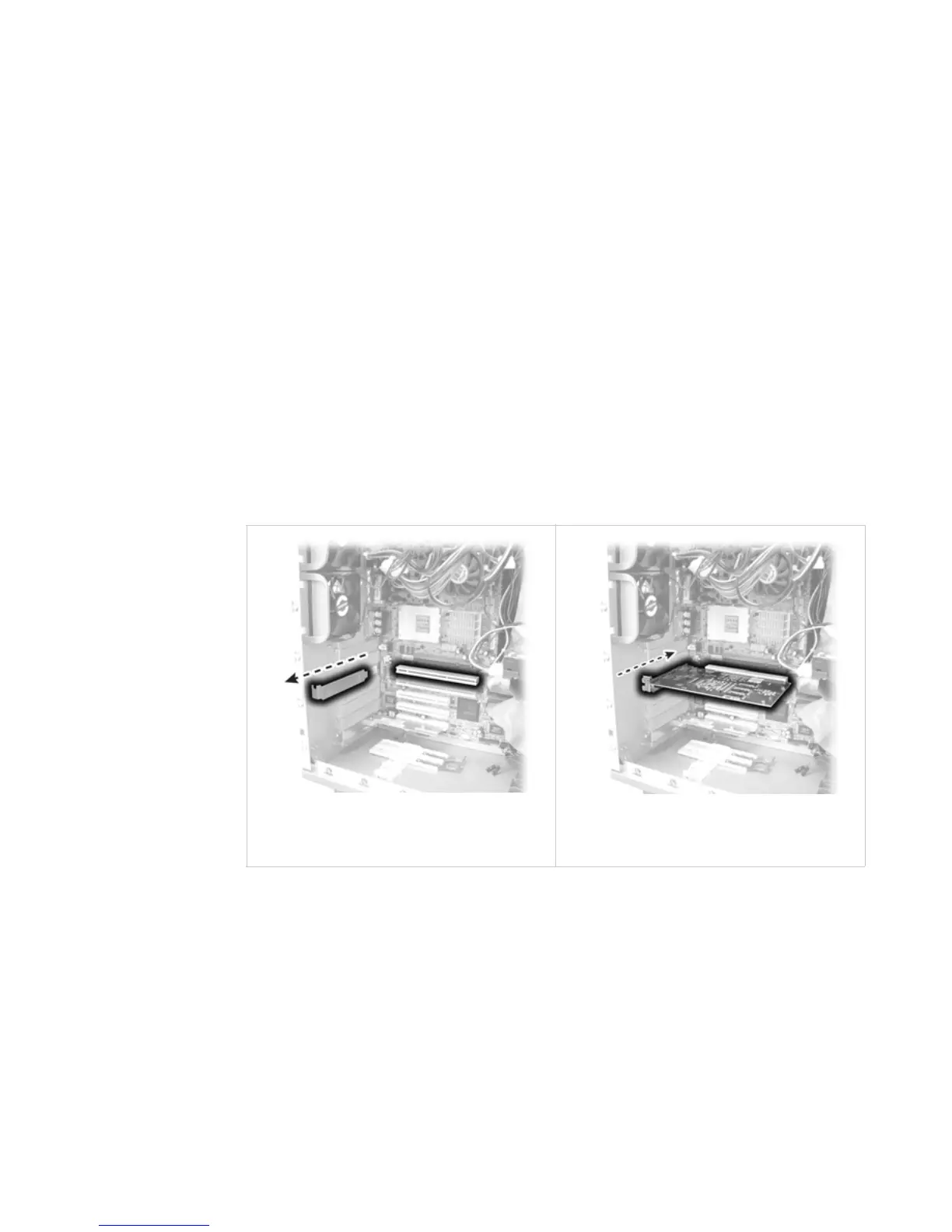
To install the display controller
1 Remove the blank bracket from an available PCI or PCI Express slot.
2 Insert the display controller into the slot, align the connector pins,
and press the board down until it is firmly seated. Secure the
mounting bracket.
Use an available PCI or
PCI Express slot.
Seat the board securely into
the slot.















 To Next Page