10
Installation Instructions
ADJUSTING THE VIEWING ANGLE
•
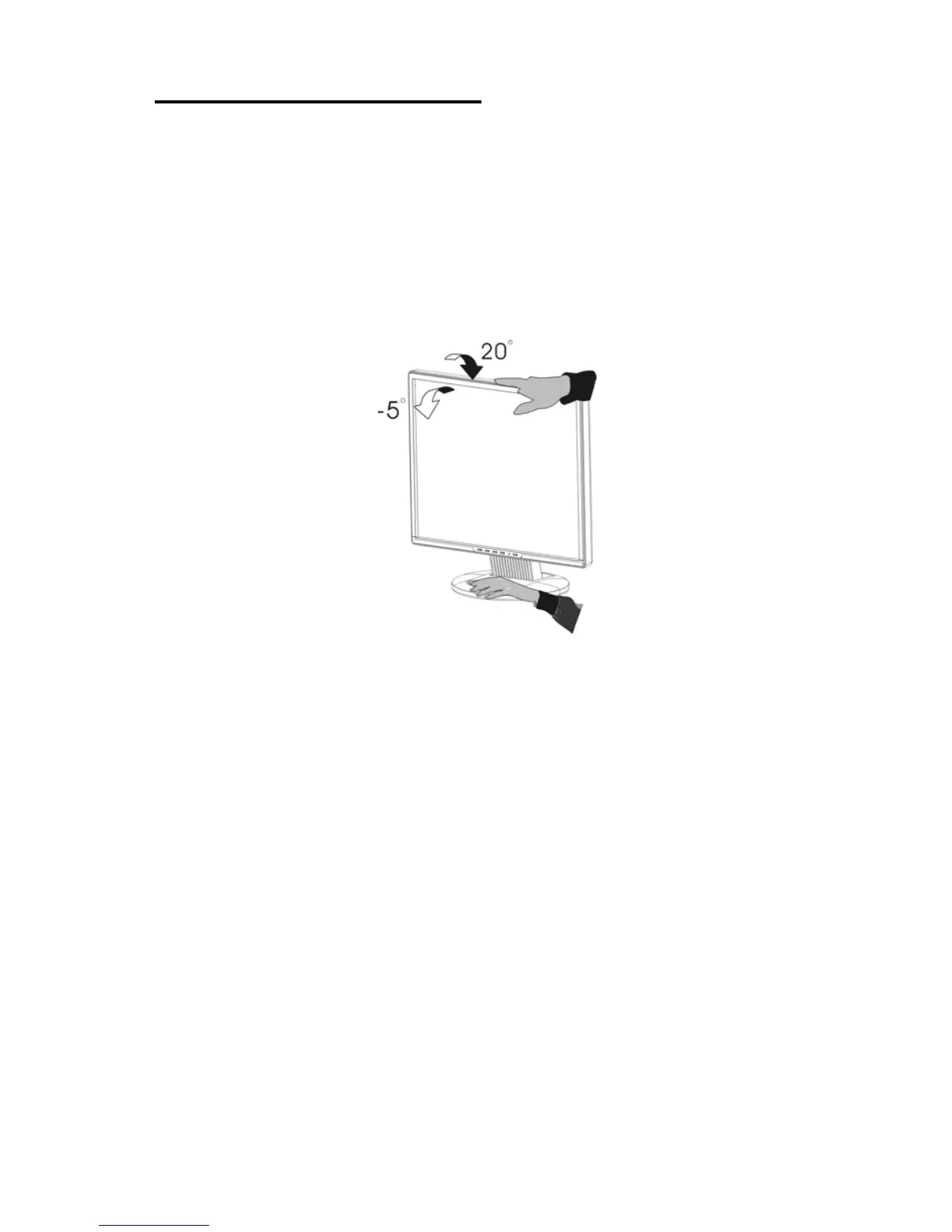
For optimal viewing it is recommended to look at the full face of the
monitor, then adjust the monitor’s angle to your own preference.
• Hold the stand so you do not topple the monitor when you change
the monitor’s angle.
• You are able to adjust the monitor’s angle from -5° to 20°.
Figure 2
NOTES
• Do not touch the LCD screen when you change the angle. It may
cause damage or break the LCD screen.
• Careful attention is required not to catch your fingers or hands
when you change the angle.



 To Next Page