5
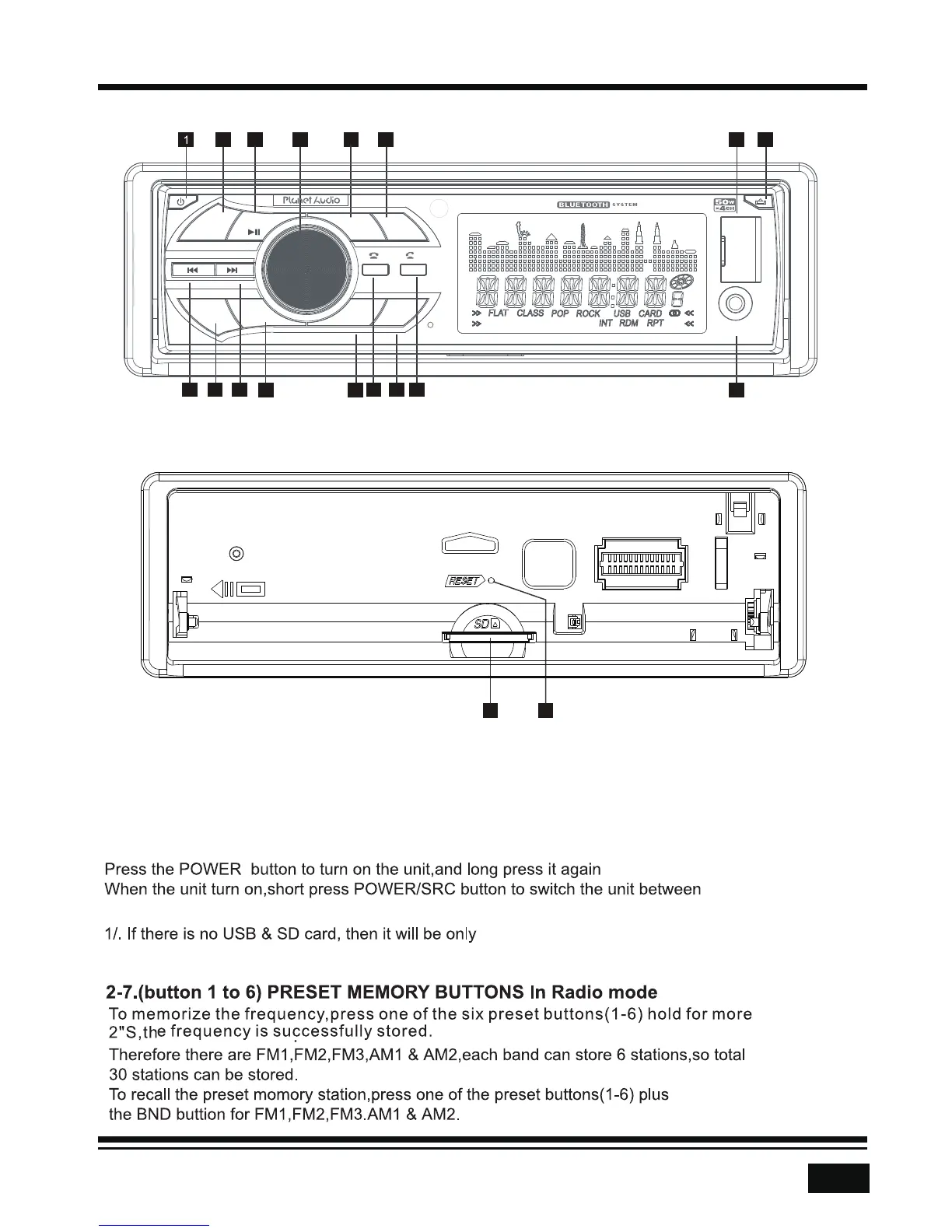
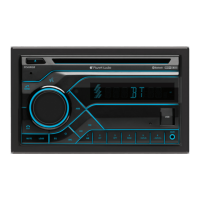
CONTROL PANEL BUTTON LOCATIONS
REMOVE PANEL
18
17
16
12 14
199
1
INT
2
RPT
RDM
4
3
-10
5
+10
6
MUTE
AMS
CLK
BND
SRC
AUX
USB
OPERATION
RADIO,USB&CARD , AUX IN, BT modes (if there are USB and SD card inside the unit).
1.POWER/SRC
to turn off the unit.
inserts a USB Stick or SD Card, their respective logos will illuminate on the display.
radio ,Aux and BT. When the user
2 1015 3 4
11 5 6 8 137
MIC
P375MB




 To Next Page