12
Per 1000BASE-X SFP Interface
LED Color Function
LNK/ACT Green
Lights
To indicate the link through that port is
successfully established at 1000Mbps.
Blinks
To indicate that the switch is actively sending or
receiving data over that port.
O To indicate that the port is link down.
4.3 Multiple Functions of DIP Switch
The front panel of the 802.3at PoE+ Switch provides one DIP switch for
Standard, VLAN and Extend mode selections. The detailed descriptions are
shown in the following table.
DIP Switch Mode Function
VLAN
Extend
This mode makes the 802.3at PoE+ Switch operate
as a general switch and all PoE ports operate at
10/100/1000Mbps auto-negotiation. All ports can
communicate with one another.
Standard
VLAN
Extend
This mode makes the 802.3at PoE+ Switch operate as a
VLAN isolation switch and
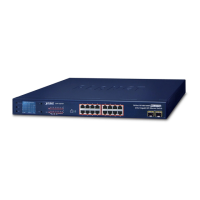
For GSW-1820HP:
1. Ports 1 to 14 will isolate respectively.
2. Ports 1 to 14 can only communicate with ports 15~16
(uplink ports) and SFP ports 17~18.
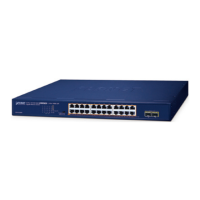
For GSW-2620HP:
1. Prts 1 to 22 will isolate respectively.
2. Ports 1 to 22 can only communicate with ports 23~24
(uplink ports) and SFP ports 25~26.
VLAN
Extend
TThis mode makes the 802.3at PoE+ Switch operate as
a Long Reach PoE switch and
1. Ports 1 to 8 support farthest transmission distance of
up to 250 meters
2. Ports 1 to 8 have a data rate of 10Mbps
3. All ports can communicate with one another.


 To Next Page
 Loading...