10
Chapter 3
Operation
3.1 Select PC through push buttons
KVM-200 / KVM-400 has separate push buttons on the
panel. Press each button to select respective PC port.
KVM-400 has also On Line LED for each PCs. When you
select one of four PCs and it is powered on, the selected
port On Line LED is lit. When you select one of four PCs
and it is shut down or disconnected from a PC, the selected
port ON Line LED flashed.
3.2 Select PC through Hot key
You can also conveniently command PLANET KVM to
switch ports through simple key sequences. To send
commands to PLANET KVM, The SCROLL LOCK key must
be pressed twice within 2 seconds. You will hear a beep for
confirmation.
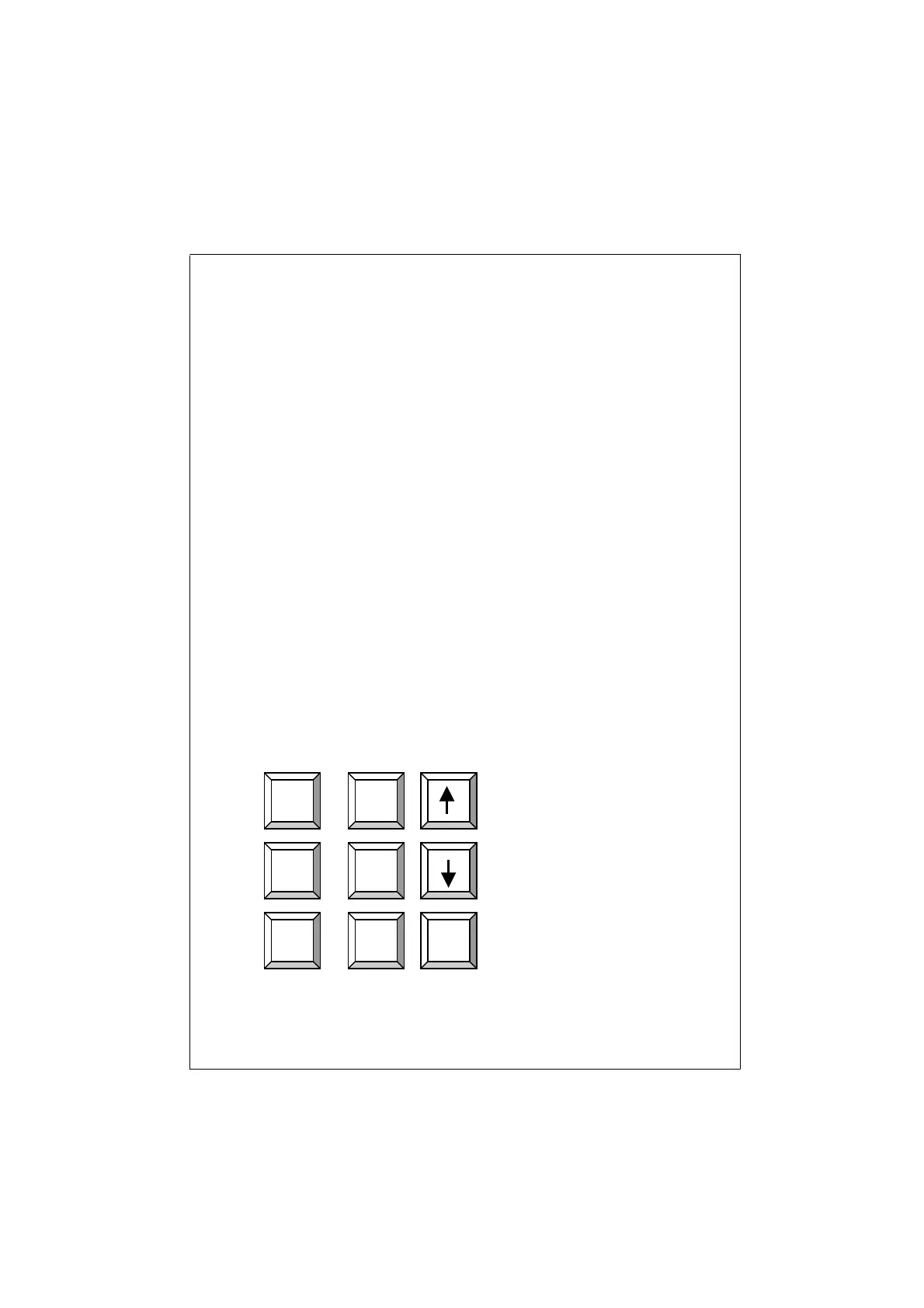
Below are the different commands:
Previous Channel
Next Channel
Auto Scan
Scroll
Lock
Scroll
Lock
S
Scroll
Lock
Scroll
Lock
Scroll
Lock
Scroll
Lock













 To Next Page