13
5.1 Logging in to the Managed Metro Switch
1.Use your preferred web browser such as Chrome, Edge, Firefox, etc. and
enterIP addresshttps://192.168.0.100 (the factory default IP address or
theonethatyouhavejustchangedinconsole)toaccesstheWebinterface.
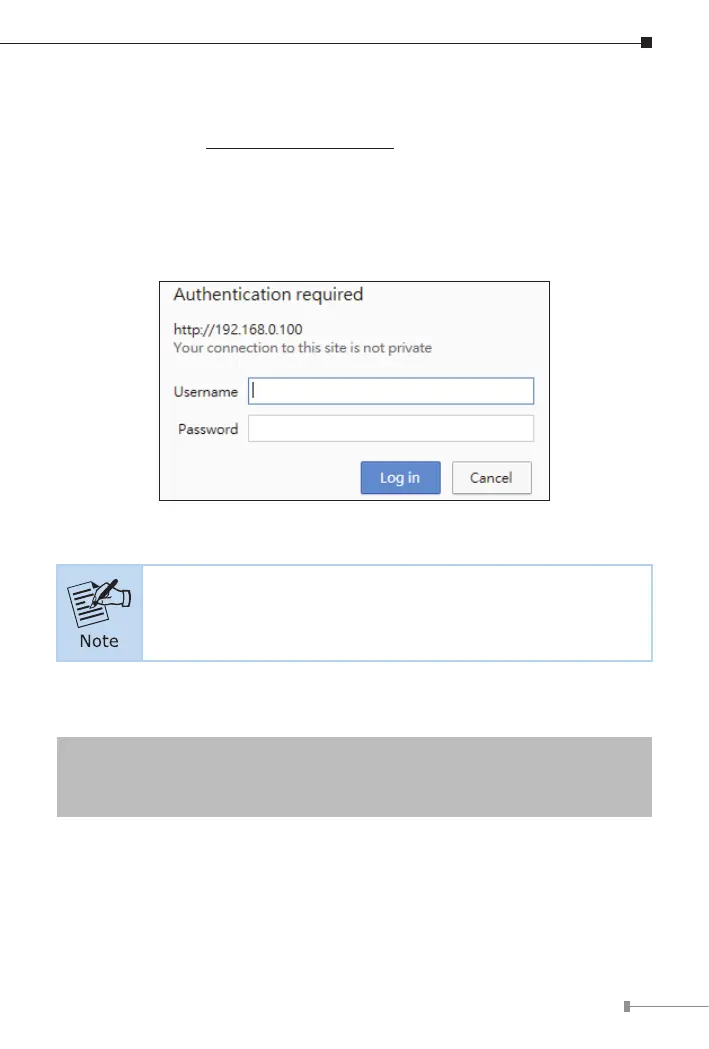
2.When the following dialog box appears, please enter the default username
and password. (or the password you have changed before) as shown in
Figure 5-2.
Figure 5-2: Login Screen
The following web screen is based on the firmware version
before February of 2024.
2.1 When the login dailog appears,please enterthe default usernameand
password.
DefaultIPAddress:192.168.0.100
DefaultUsername: admin
DefaultPassword:admin















 To Next Page