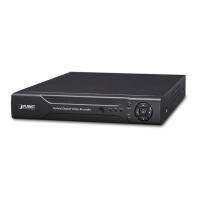
Need help?
Do you have a question about the Planet NVR-915 and is the answer not in the manual?
Details hardware, video, recording, and network service capabilities of the NVR.
Specifies the minimum operating system, CPU, RAM, and network requirements for the NVR.
Provides technical specifications for the NVR hardware, including interfaces and performance.
Describes the physical layout and components of the NVR's front and rear panels.
Lists and identifies all included accessories essential for hardware installation.
Provides detailed instructions for assembling and installing the NVR's internal hardware.
Explains how to use the PLANET IP Wizard II utility to locate and connect to the NVR.
Guides users on accessing the NVR directly using its default IP address without a DHCP server.
Introduces the main control panel interface for system operation and live preview.
Covers the process of adding and configuring IP cameras, including auto-setting and template settings.
Lists all connected IP cameras with their details and allows for quick setup and management.
Configures network parameters like IP, DNS, DHCP, and PPPoE for the NVR.
Allows creation and management of user accounts with specific access permissions for cameras and functions.
Configures motion detection zones and sensitivity for up to 10 regions per camera.
Manages internal HDDs and external USB storage devices, including partitioning and formatting.

 To Next Page
 General