9-Channel Network Video Recorder
NVR-915
23
Chapter 5. System Setting
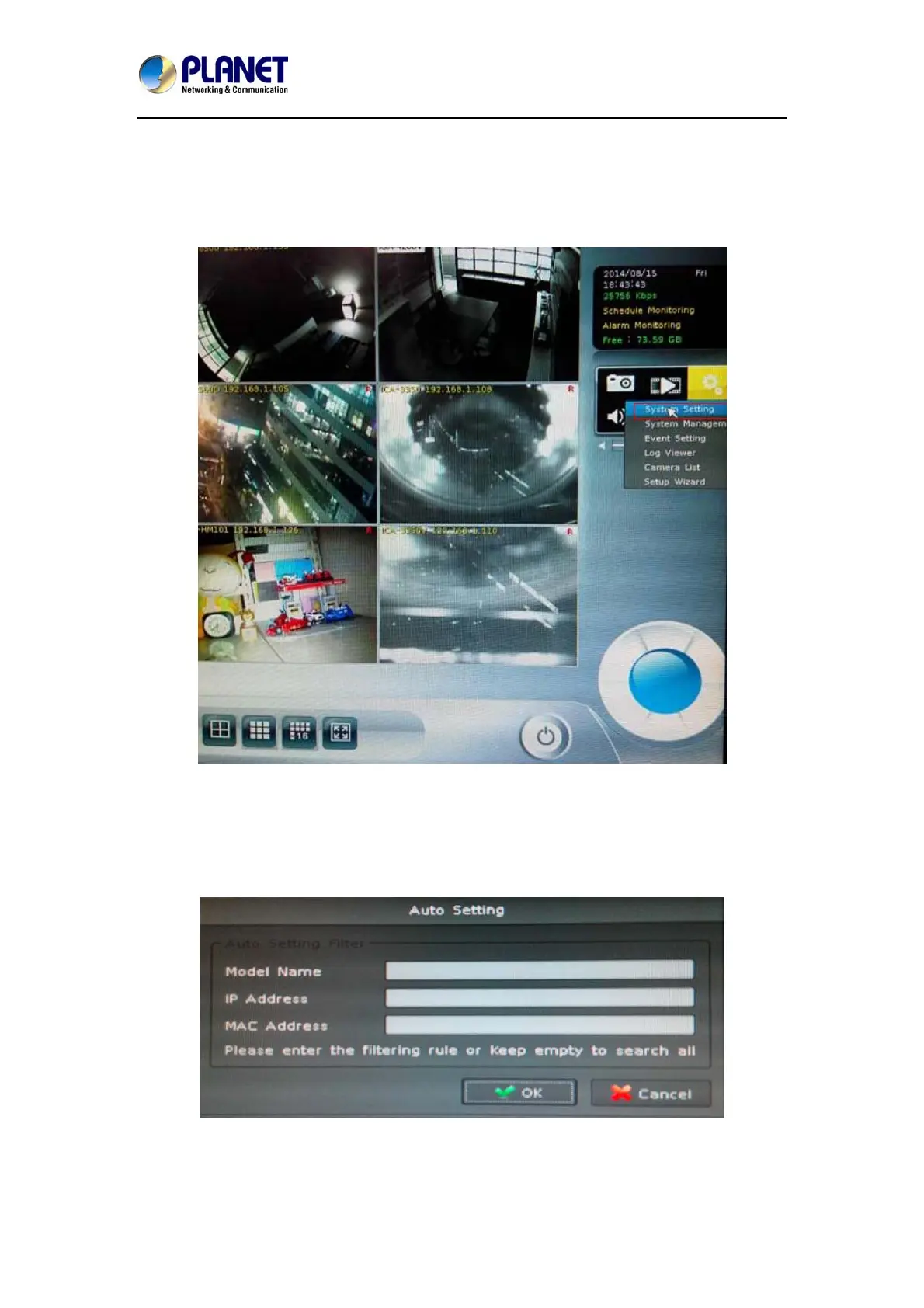
Click setup button and select “System Setting” from pop-up menu to approach system setting
dialog.
5.1 Camera Setup
5.1.1 Audio Setting
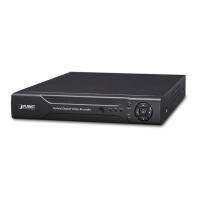
Click the “Auto Setting” button for adding cameras to system automatically, and maximum
number of cameras depends on NVR’s model.
After clicking the button, system will show the fuzzy search filter dialog. You could input the
search filter with model name, IP address or MAC address, or you could keep them empty to
search all cameras.


 To Next Page