Enterprise HD PoE IP Phone
VIP-2020PT
Choose line to set info about SIP, There are 2 lines to choose. User can switch by 【Load】
button.
Use STUN Enable/Disable SIP STUN.
SIP STUN is used to realize SIP penetration to NAT. If User phone configures
STUN Server IP and Port (default is 3478), and enable SIP Stun, User can use the
ordinary SIP Server to realize penetration into NAT.
8.3.3.4 DIAL PEER
This functionality offers User more flexible dial rule; User can refer to the following content to
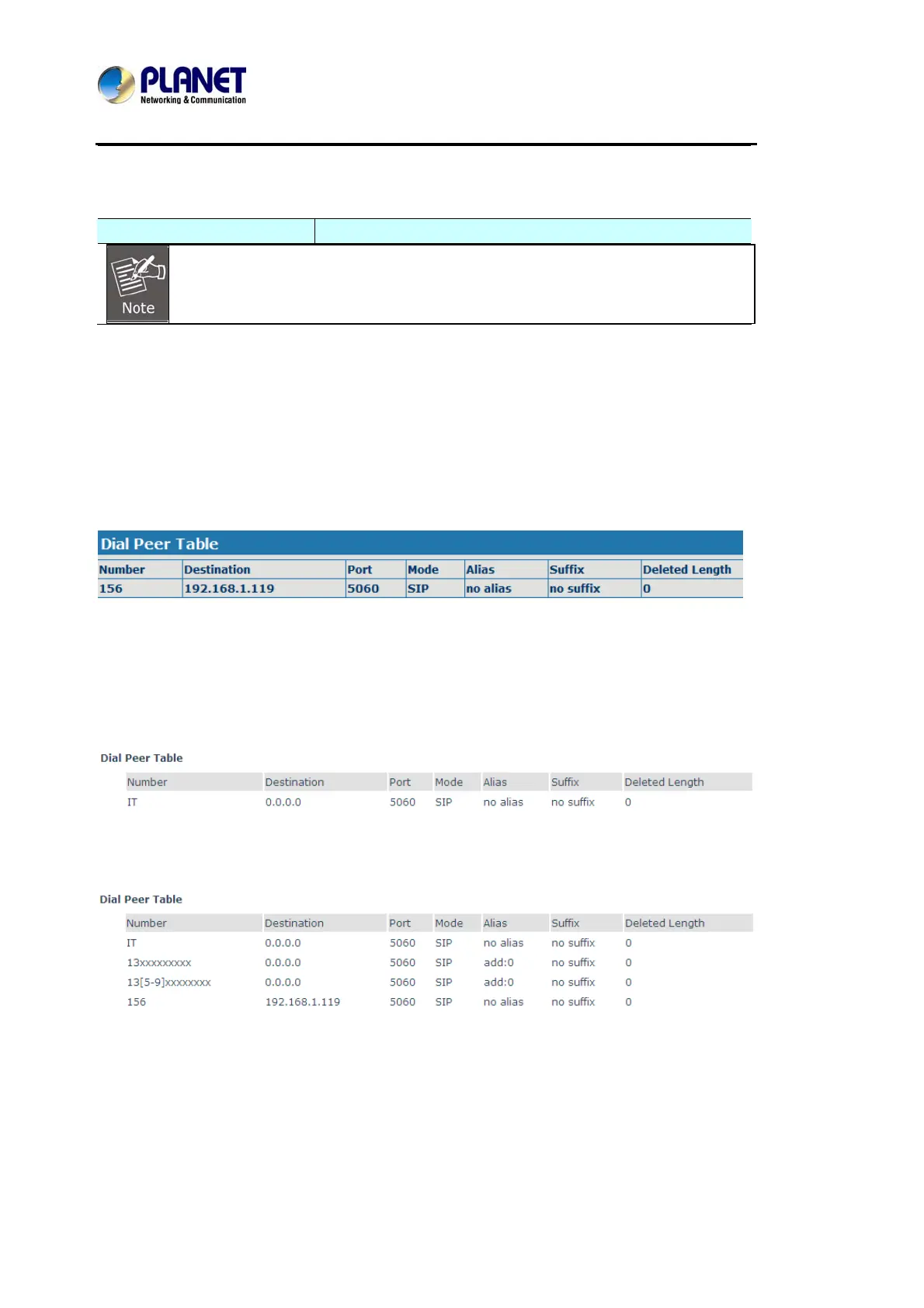
know how to use this dial rule. When User wants to dial an IP address, the entry of IP addresses
is very cumbersome, but by this functionality, User can set number 156 to replace 192.168.1.119
here.
When User want to dial a long distance call to Beijing, User need dial an area code 010 before
local phone number, but User can also dial number 1 instead of 010 after we make a setting
according to this dial rule. For example, User want to dial 01062213123, but User need dial only
162213123 to realize User long distance call after User make this setting.
To save the memory and avoid abundant input of user, add the follow functions:
1.* Match any single digit that is dialed.
If user makes the above configuration, after user dials 11 digit numbers started with 13, the
phone will send out 0 plus the dialed numbers automatically.
1. [ ] Specifies a range that will match digit. It may be a range, a list of ranges separated by
commas, or a list of digits.



 To Next Page