Chapter 2 Hardware Installation
Before you proceed with the installation, it is necessary that you have enough information about the
WAP-4033.
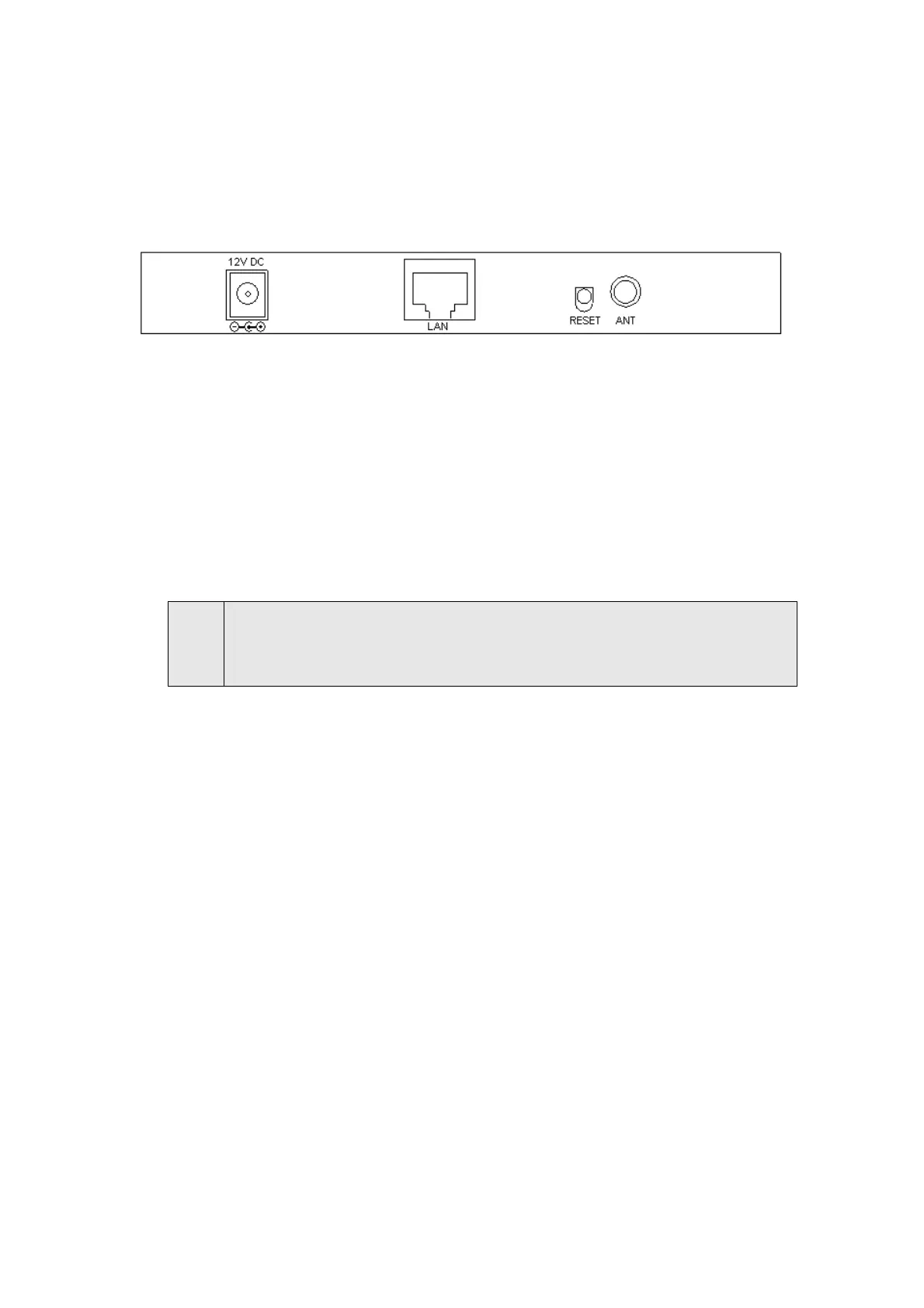
1. Locate an optimum location for the WAP-4033. The best place for your WAP-4033 is usually
at the center of your wireless network, with line of sight to all of your mobile stations.
2. Assemble the antenna to WAP-4033. Try to place them to a position that can best cover your
wireless network. The antenna’s position will enhance the receiving sensitivity.
3. Connect RJ-45 cable to WAP-4033. Connect this WAP-4033 to your LAN switch/hub or a single
PC.
4. Plug in power adapter and connect to power source. After power on, WAP-4033 will start to
work.
Note:
ONLY use the power adapter supplied with the WAP-4033. Otherwise, the product may be
damaged. If you want to reset your WAP-4033 to default settings, press the Reset button 5
second. Then release the button and wait for 10 seconds for rebooting.
1















 To Next Page