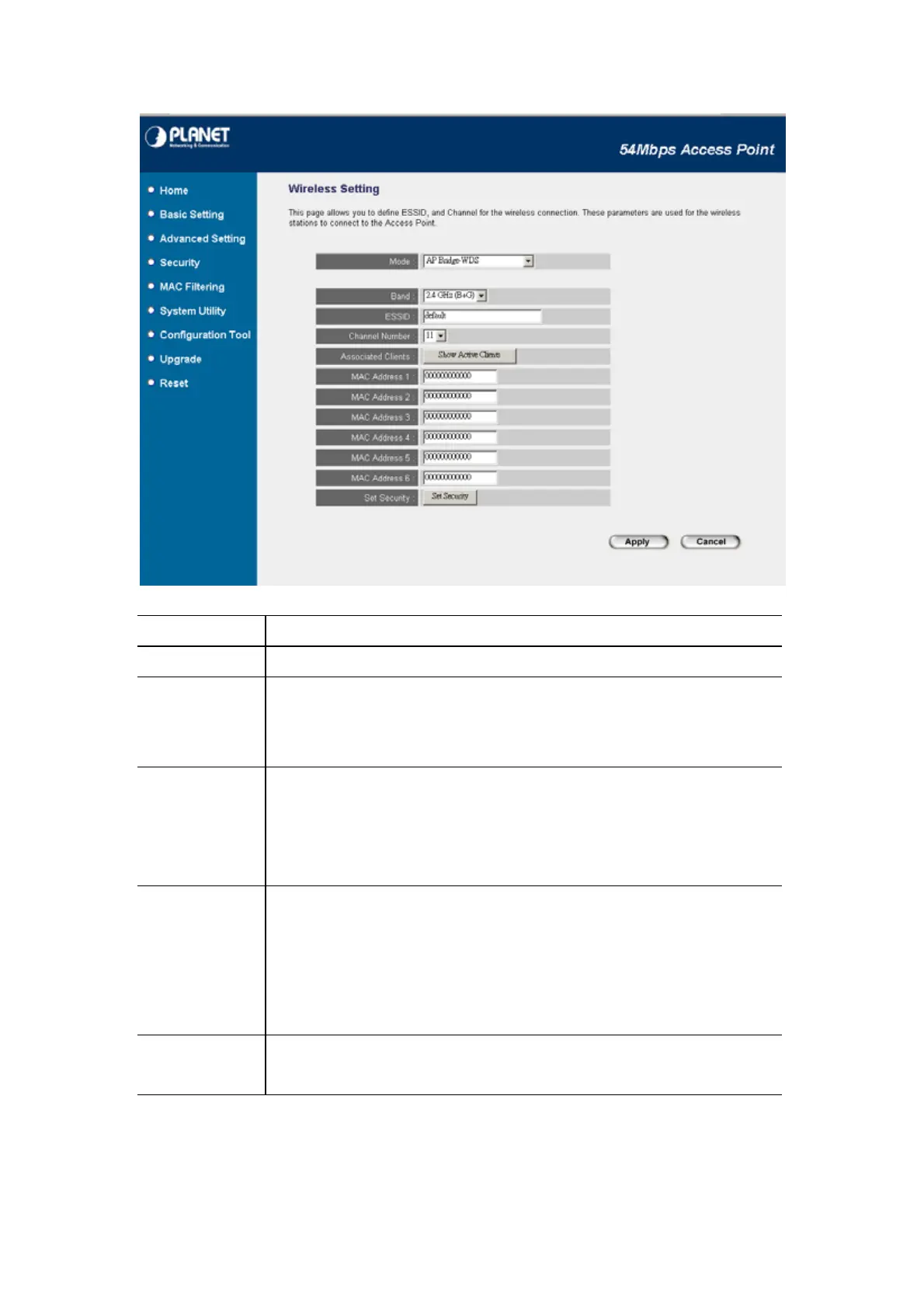
Parameter Description
Mode Shows the current operation mode.
Band
2.4GHz (B): It allows to select the transmit rate up to 11Mbps.
2.4GHz (G): It allows to select the transmit rate up to 54Mbps.
2.4GHz (B+G): It allows selecting the 802.11b and 802.11g data rates.
ESSID The ESSID (up to 32 printable ASCII characters) is the unique name identified in a
WLAN. The ID prevents the unintentional merging of two co-located WLANs.
Please make sure that the ESSID of all stations in the same WLAN network are the
same. The default value is “default”.
Channel Number Select the appropriate channel from the list provided to correspond with your
network settings. Channels differ from country to country.
Channel 1-11 (North America)
Channel 1-14 (Japan)
Channel 1-13 (Europe)
Associated Clients You may press “Show Active Clients” button to check the connected client
information. After the button pressed, you will see the dialog box as below:
1















 To Next Page