Chapter 3 Web configuration
Web configuration provides a user-friendly graphical user interface (web pages)
to manage your WAP-8000. An AP with an assigned IP address will allow you
to monitor and configure via web browser.
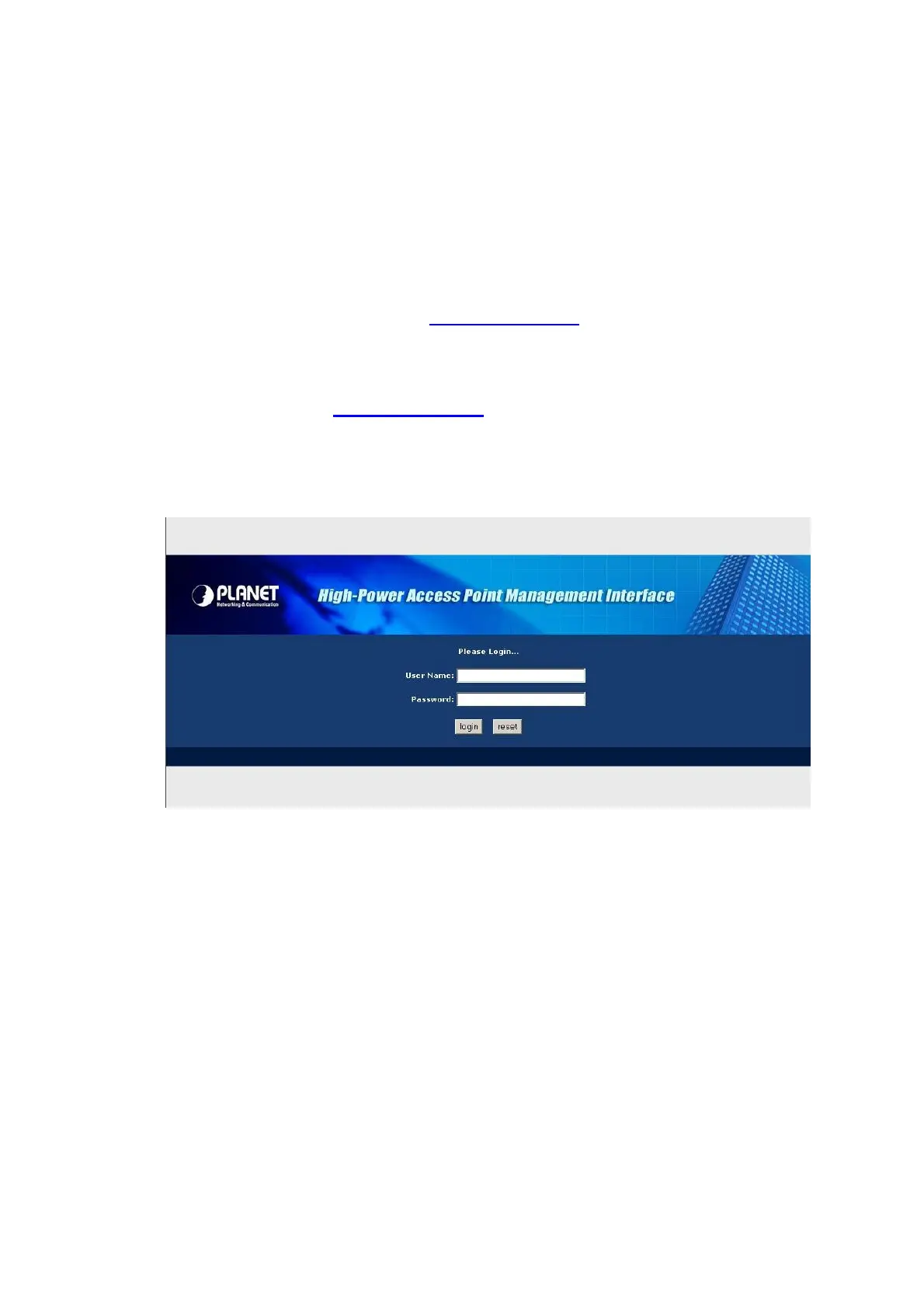
Open your web browser. Enter the IP address of your WAP-8000 in the
address field (default IP address is http://192.168.1.1). Please note that your
PC’s IP address should be on the same IP subnet of the WAP-8000 (Please
follow below title: Assign a static IP address to set same IP subnet).
Default IP Address: http://192.168.1.1
Default IP subnet mask: 255.255.255.0
WEB login User Name / Password: admin
14












 To Next Page