3
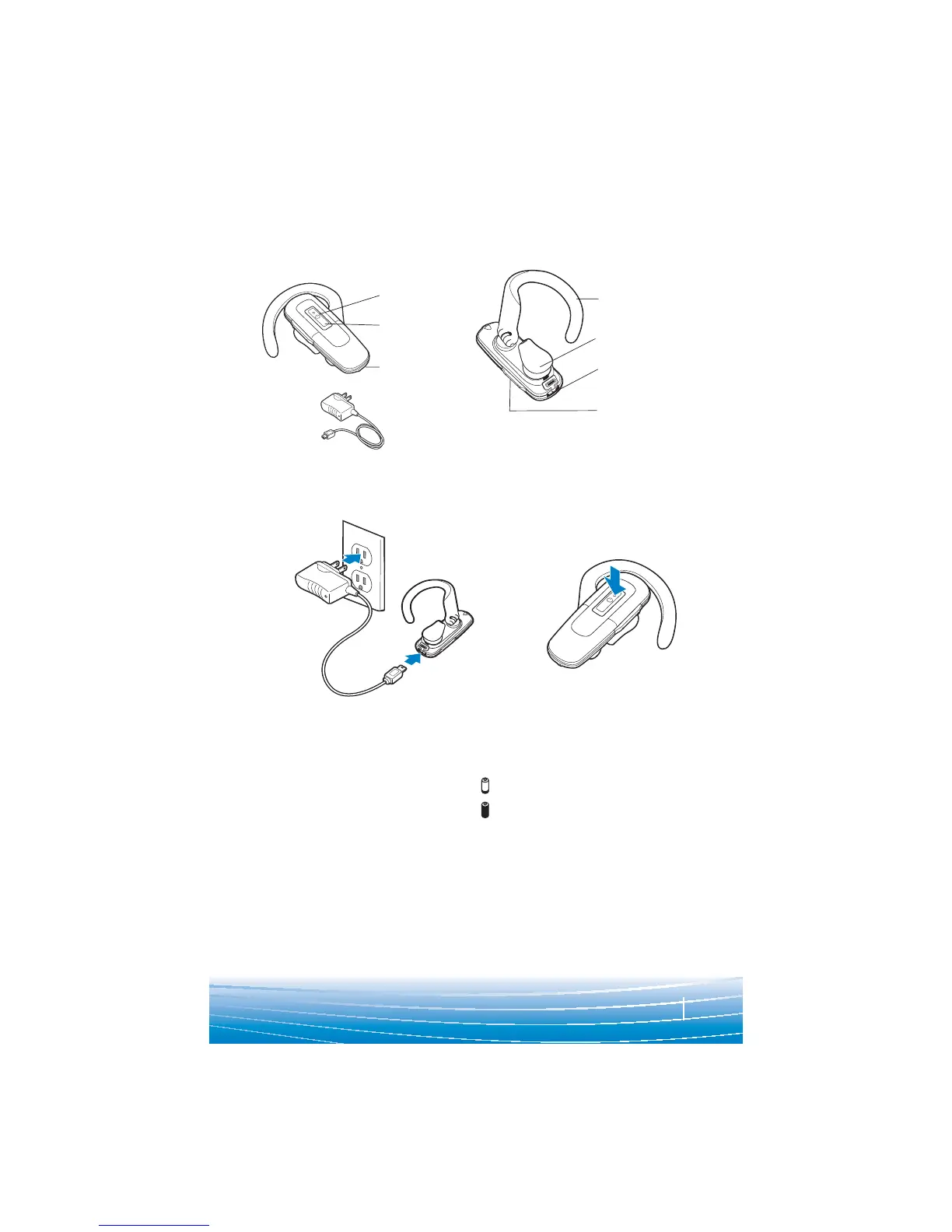
PACKAGE CONTENTS & FEATURES
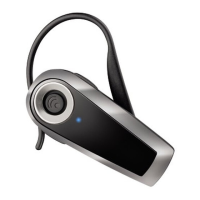
Indicator light
Call control
button
Microphone
Adjustable ear
loop
Ear tip
Charging jack
AC power adapter
Volume control
POWERING
2
1
Before using, you must first charge your
headset.
20 minutes = minimum charge
2 hours = full charge
Indicator light is solid red when battery is
charging.
NOTE For the best user experience, keep
your headset fully charged.
CAUTION Do not use headset while
charging and do not connect the charger
while the headset is in use.
Press and hold
the call control
button for
2 seconds to
power on.
Press and hold
the call control
button for
3 seconds to
power off.
CHARGING & POWERING
CHARGING





 To Next Page