9
AVAILABLE FOR PURCHASE
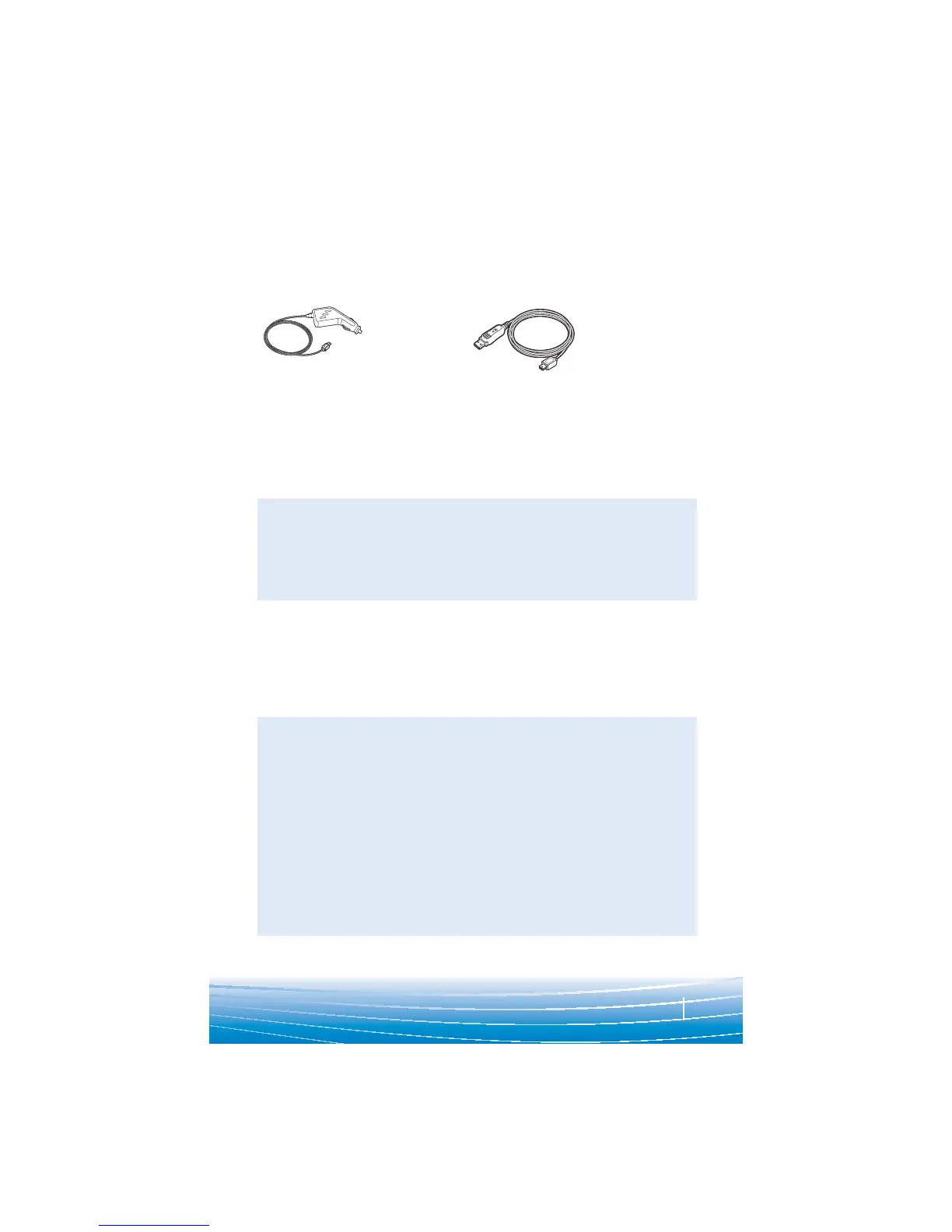
ACCESSORIES
76015-01
Vehicle
charging
adapter
76016-01
USB headset
charger
To order, please contact your Plantronics supplier or go to
www.plantronics.com.
TROUBLESHOOTING
Headset was not in pairing mode when mobile
phone menu selections were made. See page 4
“Bluetooth Pairing”.
Incorrect menu selections were made on your
mobile phone. See page 4 “Bluetooth Pairing”.
Your phone did not locate the headset.
Repeat the pairing process on page 4.
Incorrect menu selections were made on your
mobile phone. Repeat the pairing process on
page 4.
The headset is not turned on. Press the call
control button for 2 seconds until you hear a
beep or see the indicator light glow blue to turn
headset on.
Your headset is out of range. Move the headset
closer to the phone or Bluetooth device.
Your headset battery is drained. Charge your
battery using the AC power adapter supplied.
The listening volume is too low. Press the
volume key up (toward the ear loop) to increase
the sound heard in the headset.
My headset does
not work with my
phone.
I did not enter
my passkey.
Callers cannot
hear me, or I
cannot hear
caller/dialling
tone.
PROBLEM SOLUTION





 To Next Page