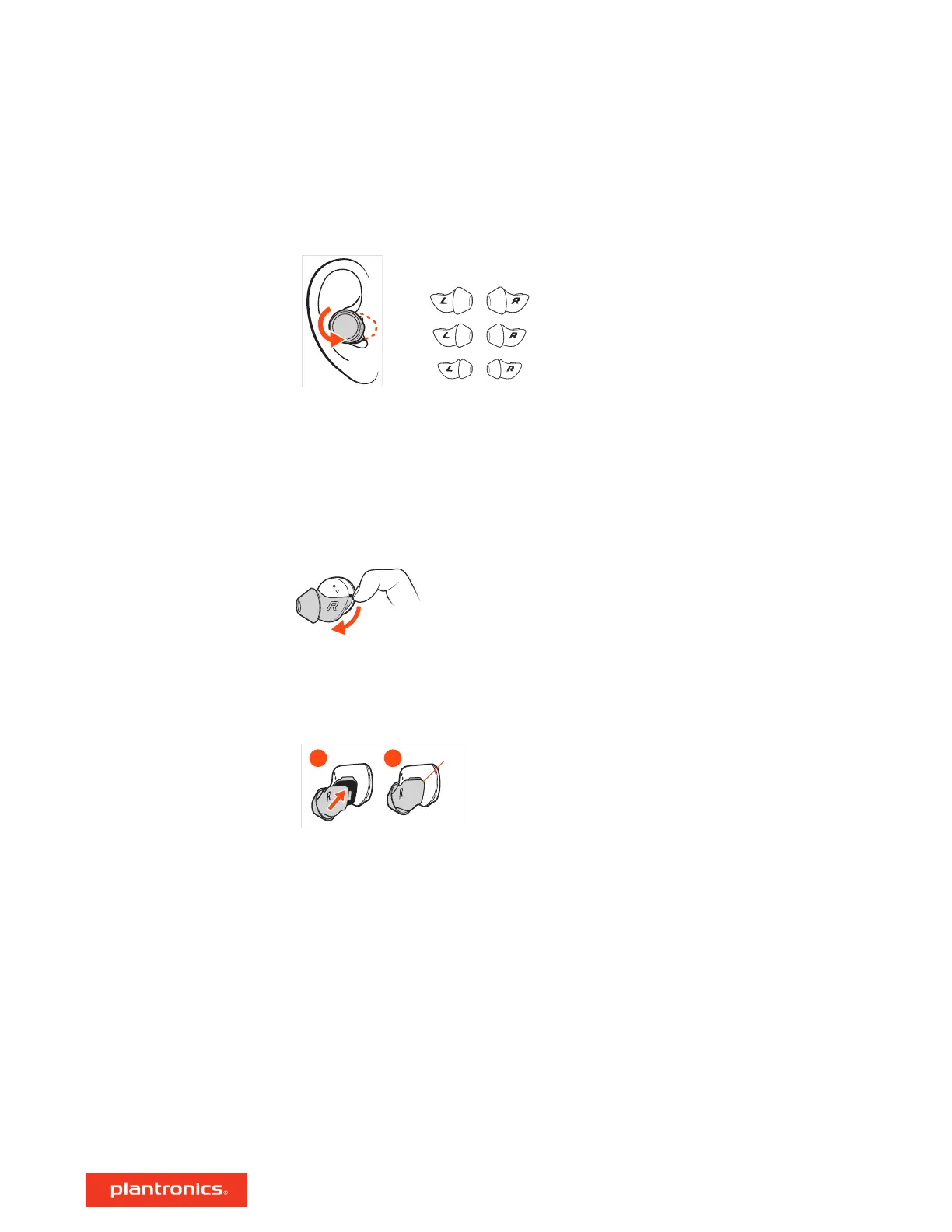
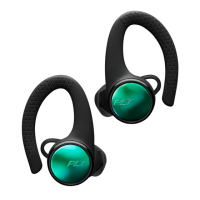
Place earbud in your ear. Rotate down and forward for an optimal fit and sound experience.
1 Try the 3 eartips to find which size fits you comfortably while blocking external noise.
2 Listen to music and select the eartip that gives you the most bass response.
3 You may prefer a different size eartip in each ear.
Changing the eartips and locking them in place is easy. Left and right are indicated on the earbud
and on the eartip.
1 REMOVE: Loosen the eartip from the earbud with your fingernail and remove.
2 REPLACE:
A Place the eartip on the earbud microphone column and press into place for a secure fit.
B The eartip clicks when locked into place.
Fit
Replace eartips
7






 To Next Page