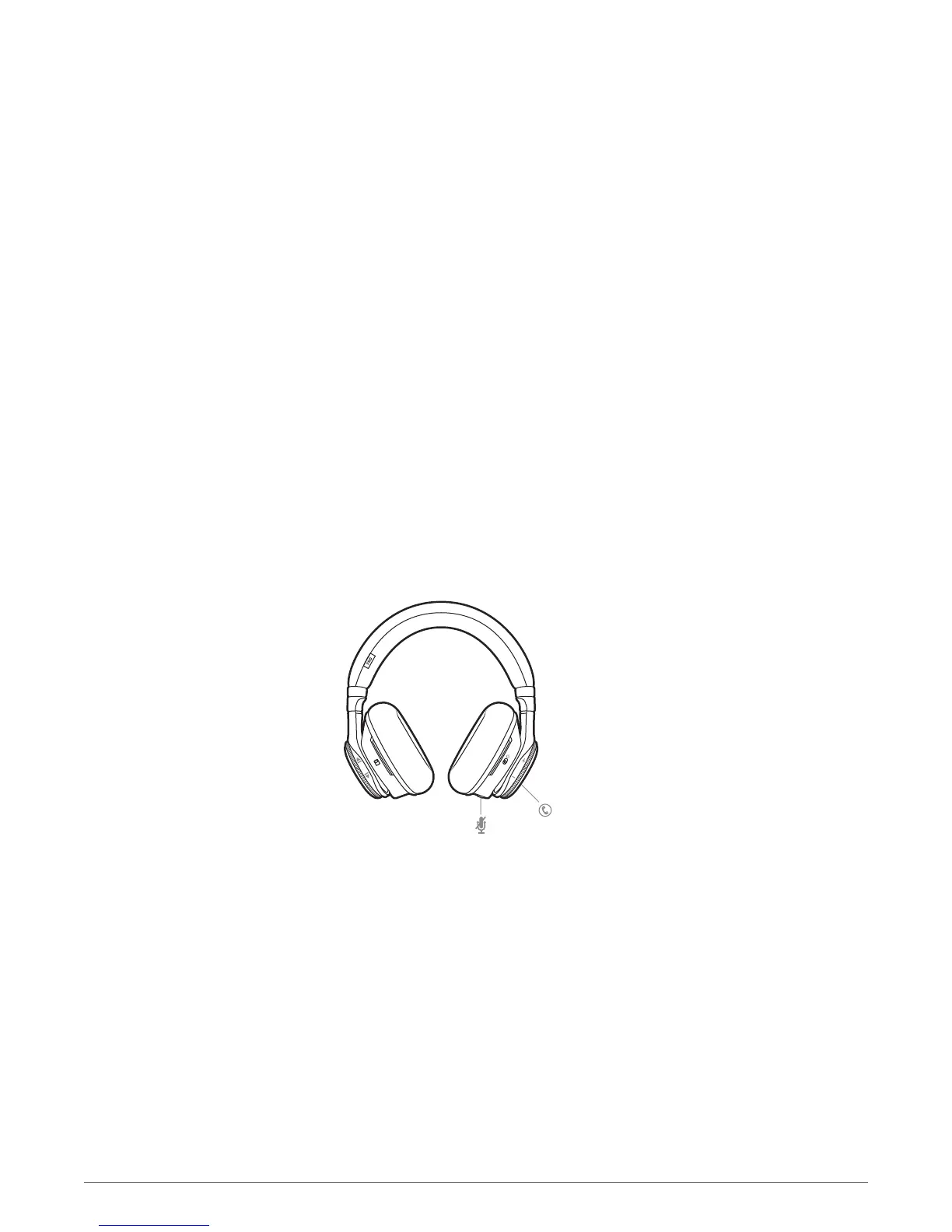
Smart sensors respond when you put on or take off your headphones.
Putting on your headphones will:
• Resume paused music
• Activate noise cancelling (when switched on)
• Answer an incoming call
• Transfer an active call to headphones
Taking off your headphones will:
• Pause music (while music is playing)
• Deactivate noise cancelling (when switched on)
• Transfer an active call to mobile phone
Enabling or disabling Smart Sensors
When your headset is powered on and in an idle state, press and hold the mic button and the
call button for more than 4 seconds. You will hear a voice prompt alerting you of the change.
Use sensors
9








 To Next Page