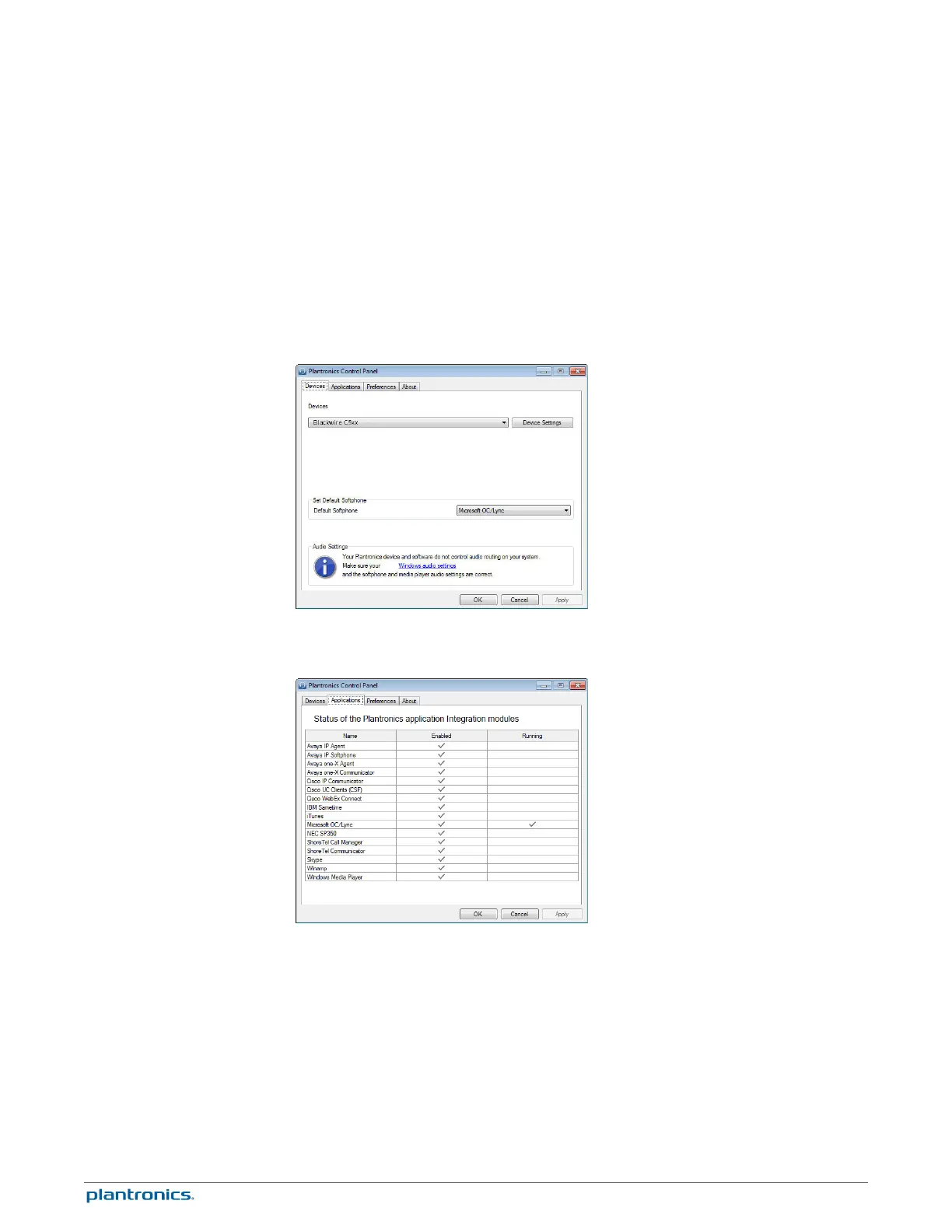
User preferences and device settings that affect the performance of your headset can be
changed using the Plantronics Control Panel.
To access the Plantronics Control Panel, load Plantronics Spokes software by visiting
plantronics.com/software and click on the download button.
To start this utility, click Start > Programs > Plantronics > Plantronics Control Panel.
The Applications tab displays the status of Plantronics support for various applications such as
softphones and media players.
Plantronics Spokes Software
Plantronics Control Panel
Applications tab
9







 To Next Page