11
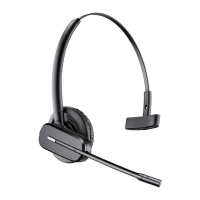
Once your headset is charged, pair your headset to DECT phone.
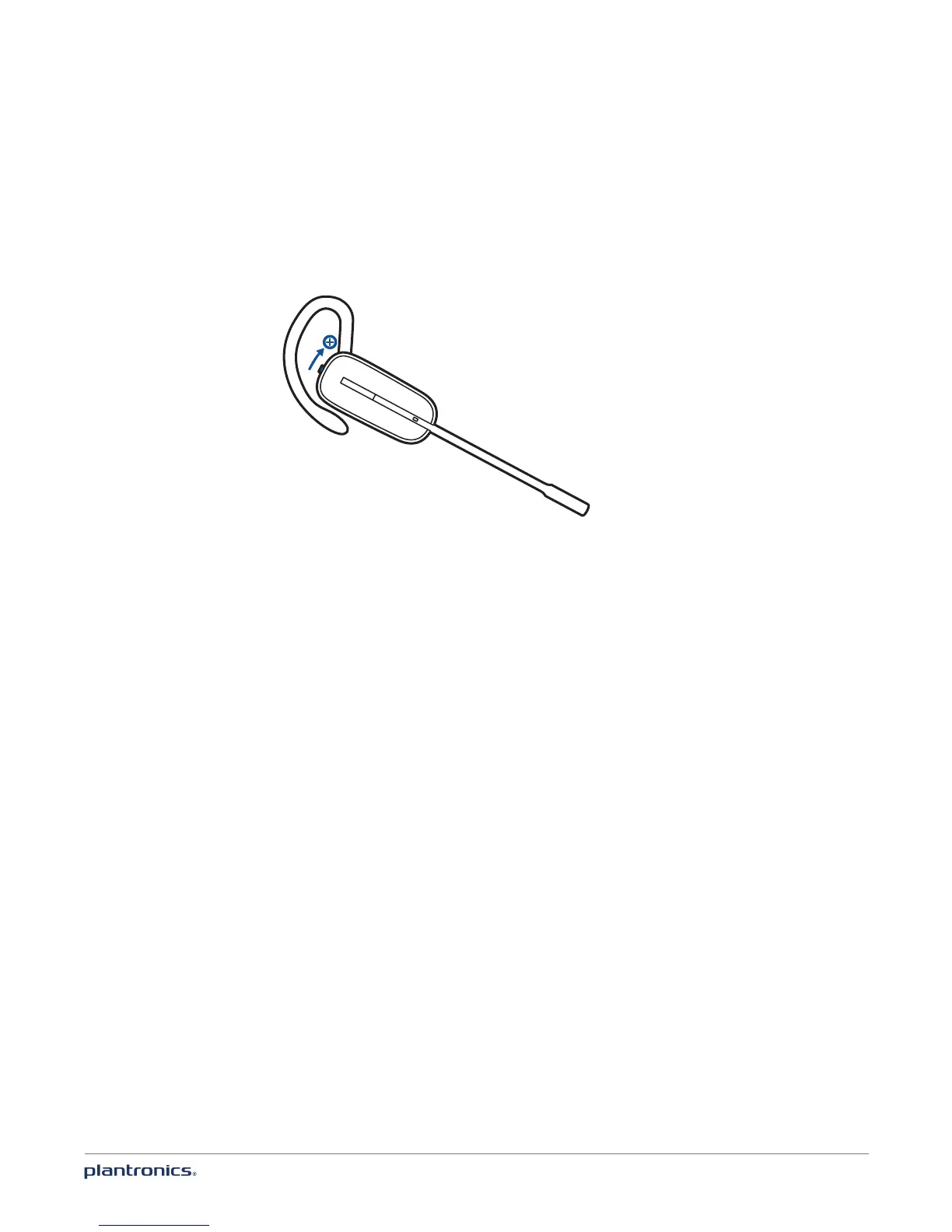
1 Lift the headset out of the charger base, press and hold the volume up button for 3 seconds
until the indicator light is solid white.
The Headset is now in pairing mode.
2 Using the instructions in your phone user guide, place your cordless telephone base into
pairing mode. When the indicator light extinguishes, the headset is paired.
Pair headset to DECT phone








 To Next Page