7
Customise your headset
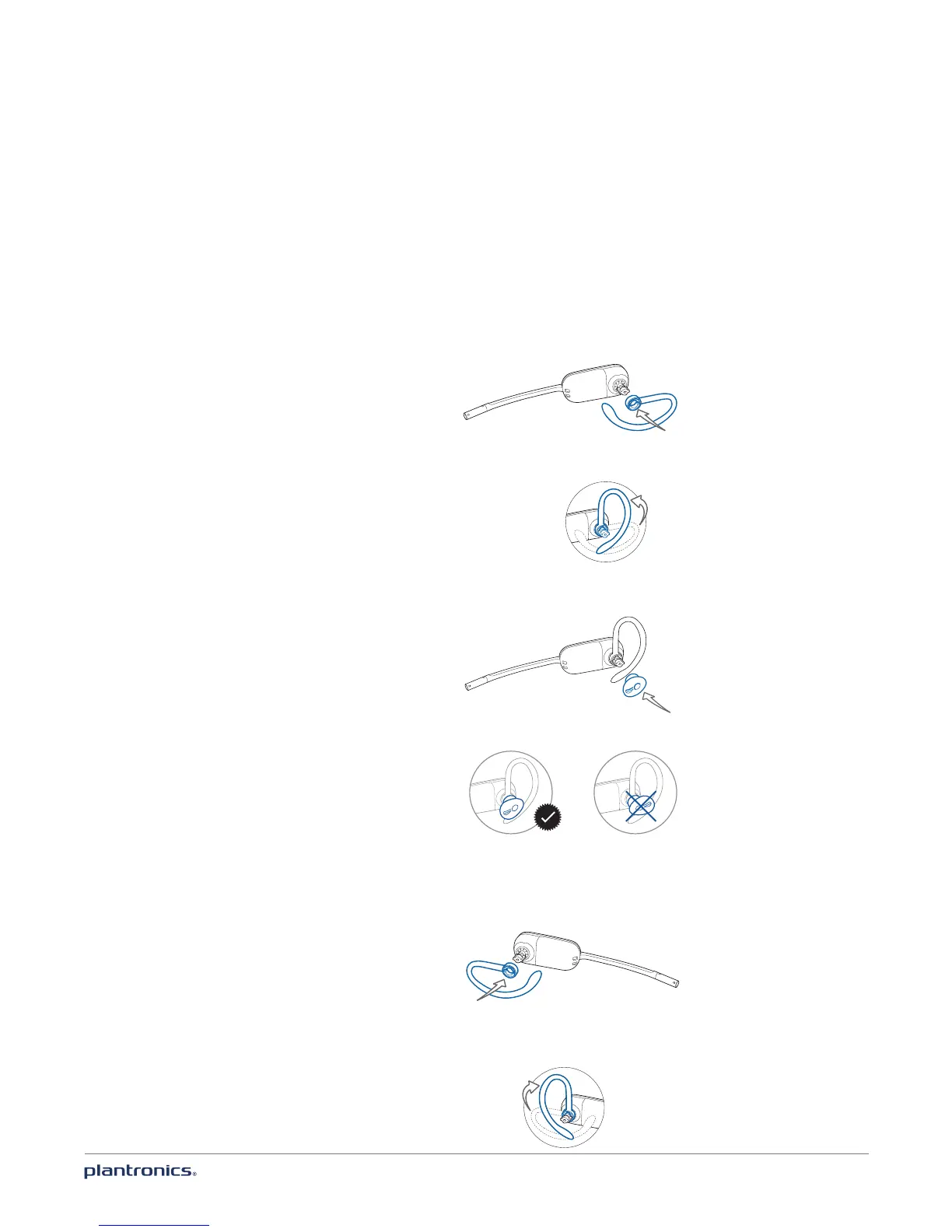
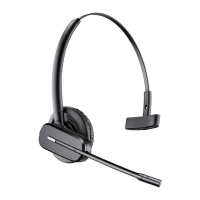
Your headset can be converted for wearing on the left or right ear with
either an ear loop or headband.
Right ear loop configuration
1 Choose the size of ear loop that fits most comfortably. Align the ear loop as shown and insert it
onto the headset.
2 Rotate the ear loop up 90 degrees.
90º
3 Choose the size and style of ear tip that fits most comfortably. Align the ear tip with the notch
facing the microphone as shown.
4 Press in to attach.
Left ear loop configuration
1 Choose the size of ear loop that fits most comfortably. Align the ear loop as shown and insert it
onto the headset.
2 Rotate the ear loop up 90 degrees.
90º








 To Next Page