UK D DK E F I N NL P SF S
12
UK
PROBLEM
Callers cannot hear me.
Ensure the microphone is aligned with your mouth.
Check that the headset is not in MUTE mode.
PROBLEM
I cannot hear callers.
Increase the volume using the VOLUME/MUTE control.
Ensure the headset speaker is positioned snugly over your ear.
MAINTENANCE HINTS
1. Unplug the AC Power Adapter from the mains supply before cleaning.
2. To clean the headset, remove the headset from the wearing attachment and
wipe clean.
3. Clean the equipment with a damp (not wet) cloth.
4. Do not use solvents or other cleaning agents.
OPTIONAL PARTS & ACCESSORIES
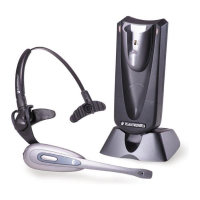
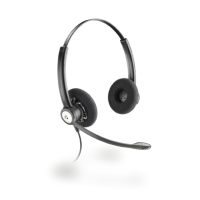
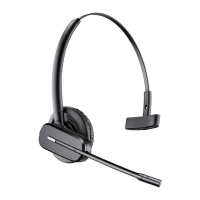
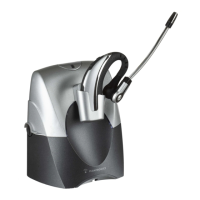
There are a range of Plantronics accessories designed to enhance the functionality of
your C65 DECT Wireless Headset System. Please contact your Plantronics Supplier for
further details.
1. Battery
2. Battery Door
3. AC Power Adapter (UK only)
4. AC Power Adapter (Europe excluding UK)
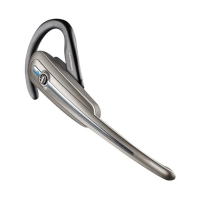
5. Spare C65 Headset
6. Earloops (pack of 3)
7. Neckband
8. Headband
UK
11
3. AUDIBLE WARNINGS
The headset provides status information and signals a warning by sounding beeps as
described below:
Condition Warning Corrective Action
C65 is at maximum operating DOUBLE beep Walk closer to your
distance from your DECT telephone DECT telephone
base
Battery charge level is low SINGLE beep every Re-charge the
10 seconds headset battery
immediately
MUTE on DOUBLE beep every Press the
15 seconds VOLUME/MUTE
button to
deactivate mute
4. REPLACING THE BATTERY
To install a new battery, please refer to Fig.5 on page 4.
5. TROUBLESHOOTING
PROBLEM
My headset stops responding to button presses.
Remove and re-install the battery pack (see Fig.5 on page 4).
PROBLEM
My headset does not work with my telephone.
Ensure your battery is fully charged.
Ensure you have registered the headset with your DECT telephone
(see section Registering Your Headset).









 To Next Page