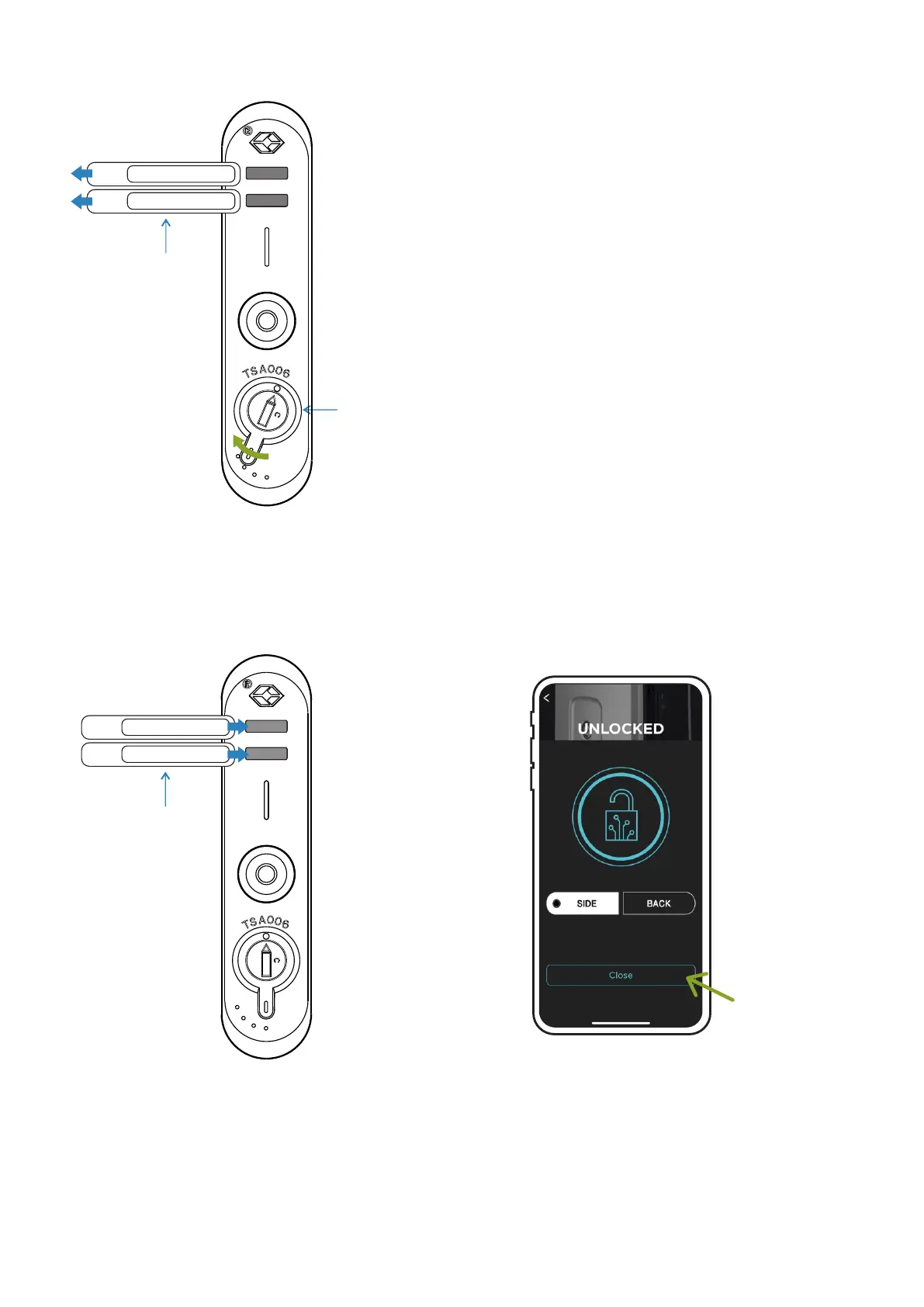
Turn the command to the left following the dotted
line to release the clasp handles.
3
Command
Handles
15
Closing
Follow steps 1 and 2 to close the suitcase.
Handles
Insert the handles into the closing
holes until the adjustment of the
locks occurs.
Select the "Close" function in the
Lock section of the App.
The suitcase will automatically close.
1 2
RUNNER User's manual



 To Next Page