06 - Digital scale
Sensors
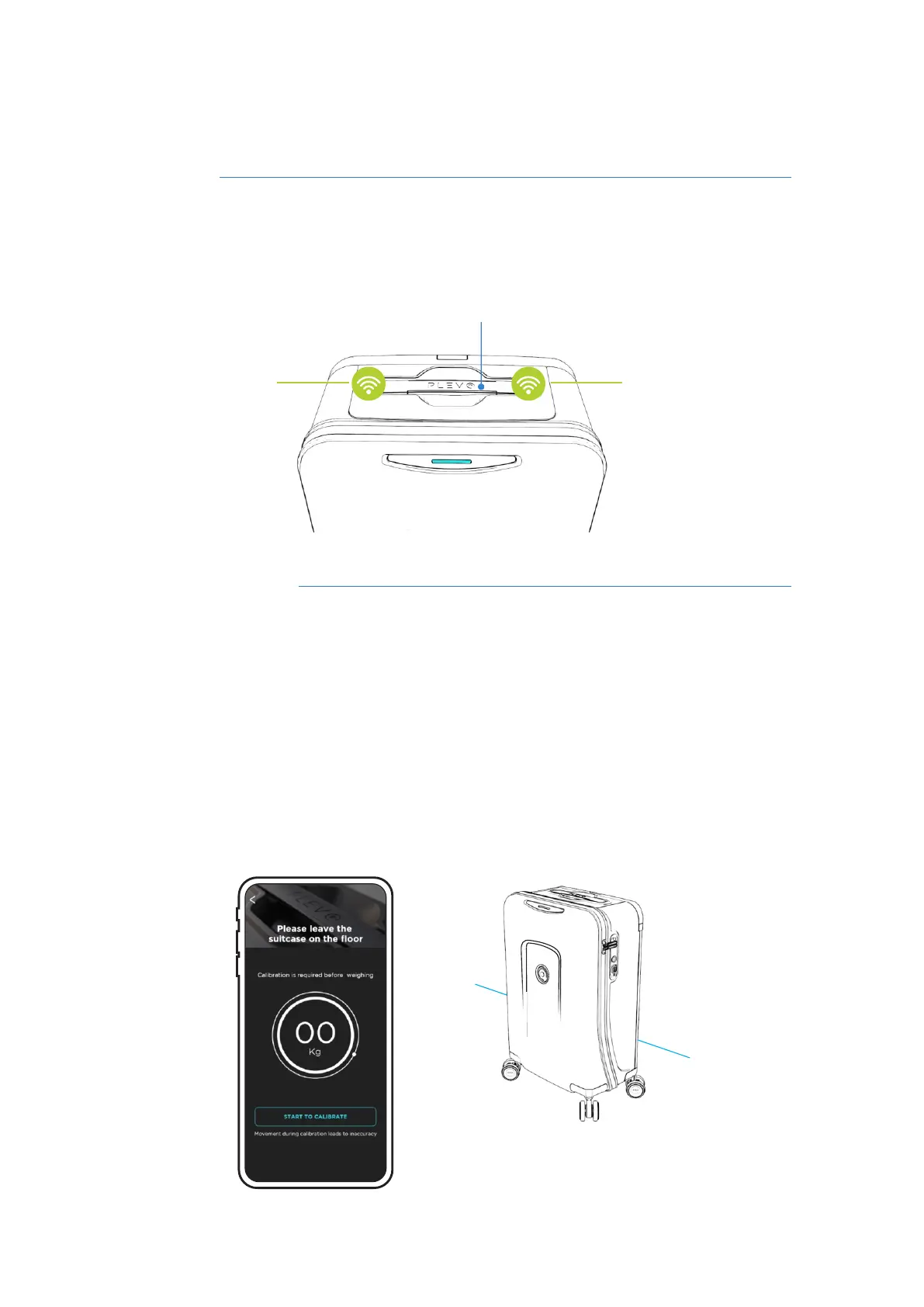
The PLEVO suitcases have a set of sensors located on the internal ends of the
secondary handle that act in conjunction with the App to record the weight of the
suitcase and its load.
Using the scale
Follow steps 1 to 3 to perform the weighing correctly.
Secondary handle
Sensor Sensor
20
Place the suitcase in a vertical position and enter the Digital Balance section within the
App. Before weighing it is necessary to calibrate the system and for this you must click on
"Start to calibrate" while leaving the suitcase at rest.
Important: Do not move the suitcase during the calibration process as there is a risk of
interrupting the process.
1
RUNNER User's manual



 To Next Page