05
Pairing
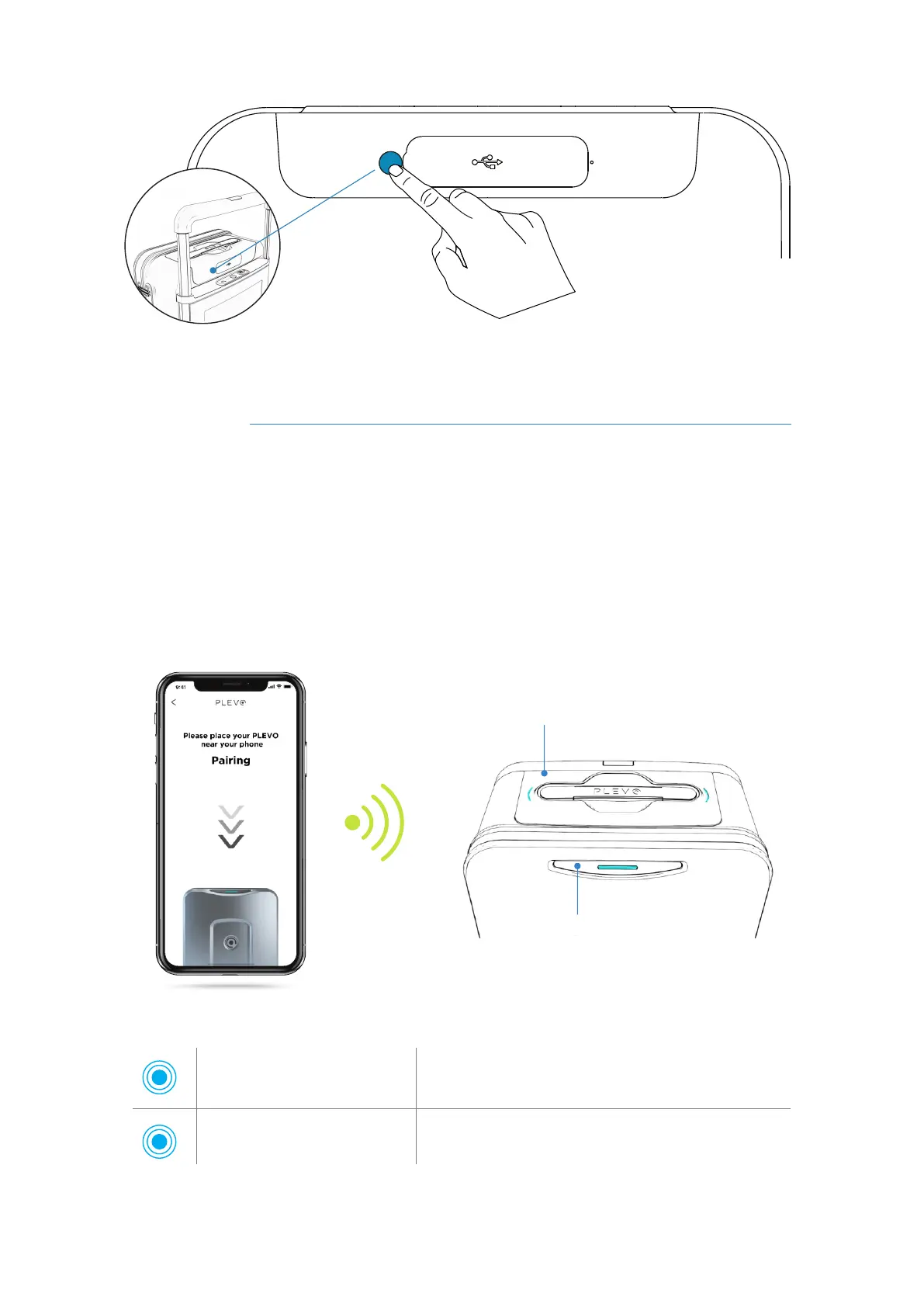
To connect your Runner suitcase with a mobile device, follow these steps:
1) Activate the Bluetooth of your mobile device.
2) Select the model of your suitcase in the App and bring the device close to the
suitcase's board for two seconds until the CYAN lights on the board and front panel gets
turn on.
on/off button
Raise the main handle to access the button.
Dashboard
Front panel
CYAN light
Single ignition for 8 sec.
CYAN light
Flash every 10 sec.
Indicates that the suitcase has just been successfully
linked to a mobile device.
Indicates that the suitcase is linked to a mobile
device.
RUNNER User's manual



 To Next Page