04
02 - First steps
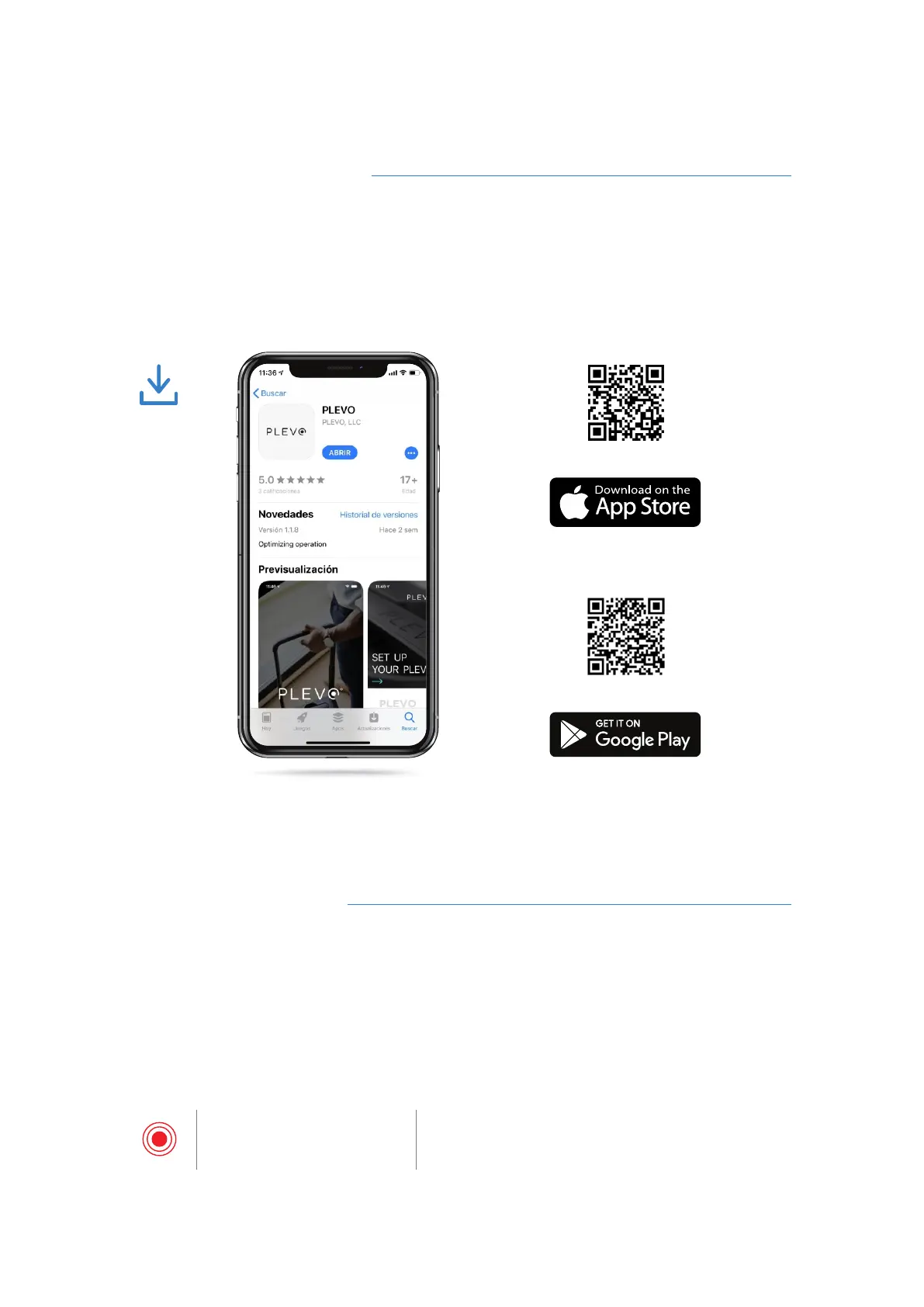
Download the PLEVO App
In order to start using all the electronic functions of the suitcase it is necessary to
download the PLEVO App in the App Store for the iOS operating system or in Google
Play for the Android system.
Follow the steps indicated in the App to perform the registration and be able to access
the different functions.
Turning on the suitcase
After registering in the App it is necessary to turn on the suitcase to make the pairing
between a mobile device and the PLEVO Runner.
- Press the Power Button for 2 seconds until you hear the warning sound. Doing so for
the first time will show a flash of red light on the board and the front panel.
Red light
Flash every 2.5 seconds
Indicates that the suitcase is available to pair with a
device via Bluetooth.
Scan the code to download
Scan the code to download
RUNNER User's manual



 To Next Page