24RUNNER User's manual
08 - Dispatch and retrieve a PLEVO suitcase
When discharging a PLEVO suitcase, it is necessary to follow the following steps in
order to obtain a correct functioning of the system and comply with the regulations in
force.
Dispatch
1 - Previously check that the suitcase is on and linked to your mobile device. The
PLEVO must be loaded in its backup battery. The load percentage can be displayed in
the App.
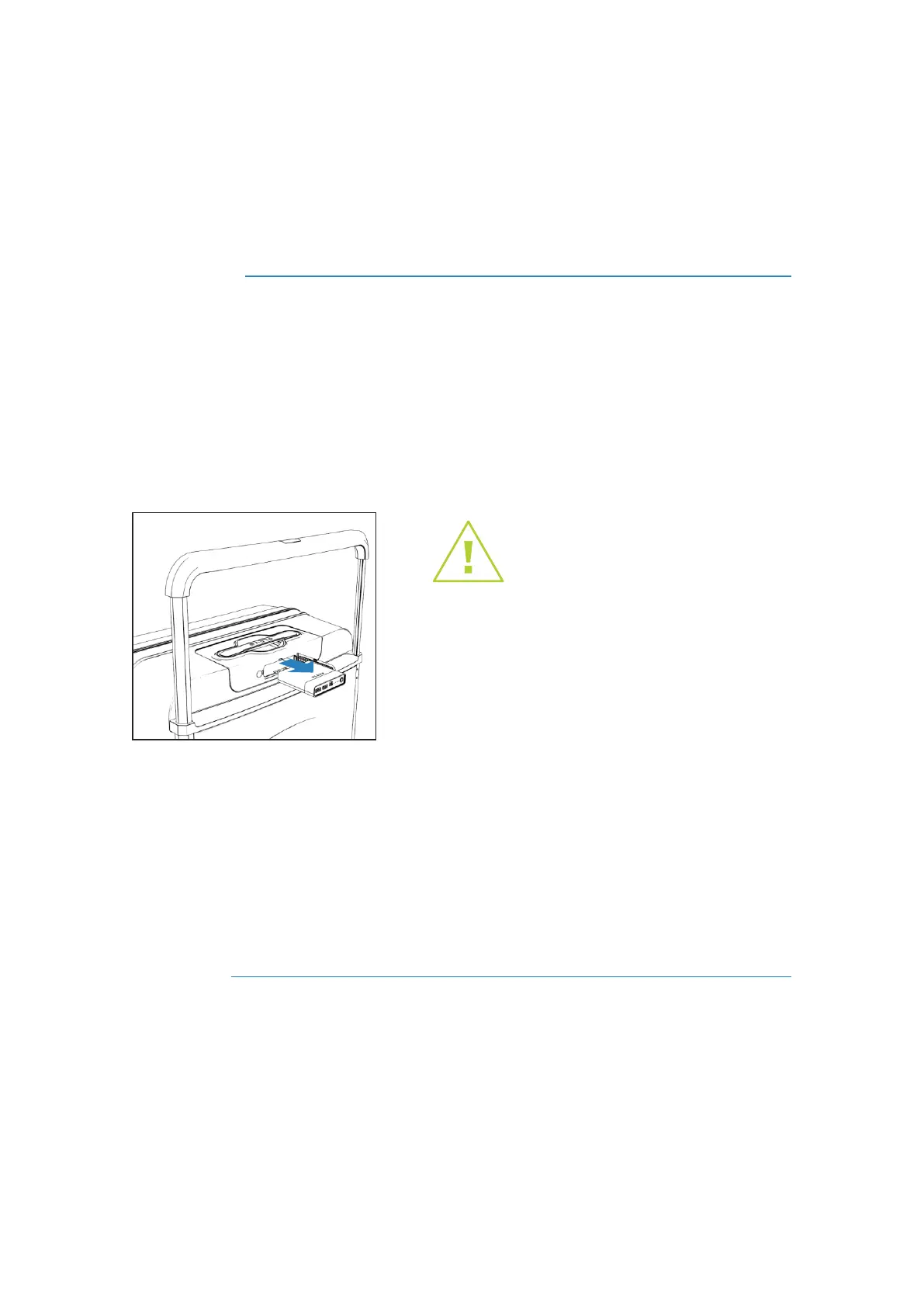
2 - Remove the removable battery from the case (see section "Removable battery"
page 07) and Dispatch the suitcase normally.
3 - The suitcase will enter "Airplane mode" automatically and in case the App
generates a notification on your mobile device warning the status of the PLEVO you
must confirm the "airplane mode".
You can monitor the scales and the final destination of the suitcase in the GPS section of
the App (function available for PLEVO Infinite and PLEVO UP).
Withdraw
1 - Disconnect the "Airplane Mode" of your mobile device and make sure you have
BlueTooth connected when you remove the suitcase from the conveyor.
2 - The suitcase will automatically link with your mobile device when entering within the
range of the BlueTooth on the conveyor belt. The PLEVO will be ready to use and the
removable battery can be installed again if desired.
Important: Removing the battery before
dispatching the suitcase is mandatory for all
airlines in the world. Failure to comply with
current regulations will endanger your flight.



 To Next Page