PX-712 Installation and Users Manual 35
3. Installing the
PX-712SA Internal SATA Drive
This chapter explains how to physically install your PX-712SA internal
Serial ATA drive in your computer. The steps are as follows:
1. Turn OFF your computer system.
2. Mount the drive into an available drive bay inside the computer
system.
3. Make the cabling connections: Serial ATA cable and power cable.
4. Turn your computer system ON.
The following pages give more details for this procedure.
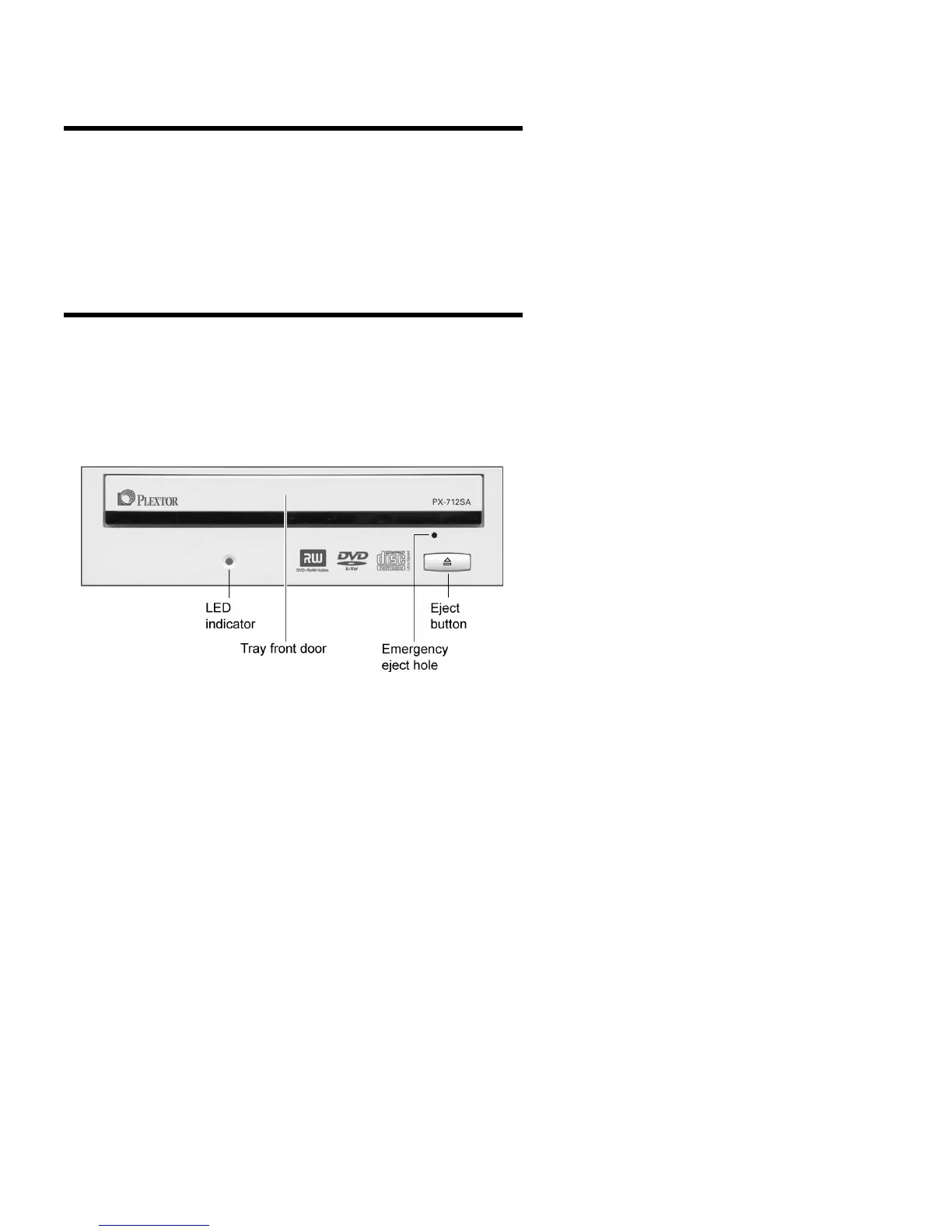
PX-712SA Drive Features and Controls
Before proceeding, become familiar with the controls and features of
your Plextor drive. Match the parts of your drive to the illustrations
below.
Front Panel—PX-712SA Internal Drive
Figure 18: Front panel of the PX-712SA internal SATA drive



 To Next Page