Section 2. Installing the PX-712A Internal ATAPI Drive
PX-712 Installation and Users Manual 23
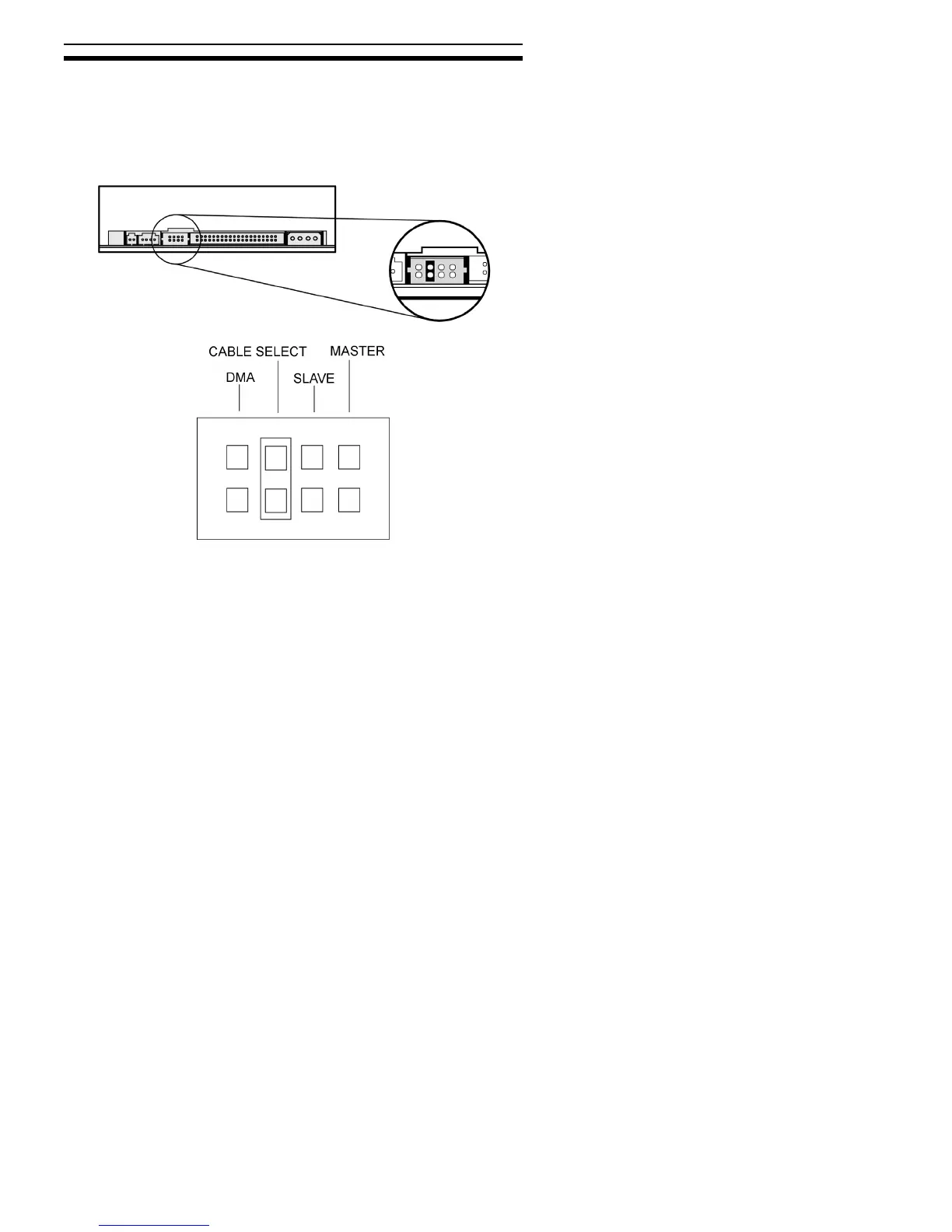
About Cable Select
The Cable Select jumper position sets the PX-712A drive to use the
CSEL signal from the IDE interface for configuration purposes. This
signal automatically selects the correct Master/Slave setting for the
drive.
Figure 10: Configuring the PX-712A drive for Cable Select
To use CSEL, you must have:
• A computer that supports CSEL.
• A special CSEL (Cable Select) cable for IDE.
NOTE: The IDE cable supplied by Plextor does not support CSEL. To
use CSEL and Cable Select, you’ll have to purchase a CSEL cable, or
use one that may be supplied with your CSEL-configured system.



 To Next Page