Section 4. Using Your PX-712
48 PX-712 Installation and Users Manual
Using the LED Indicator
The color and blink rate of the front-panel LED indicator give you
information about the drive’s operation.
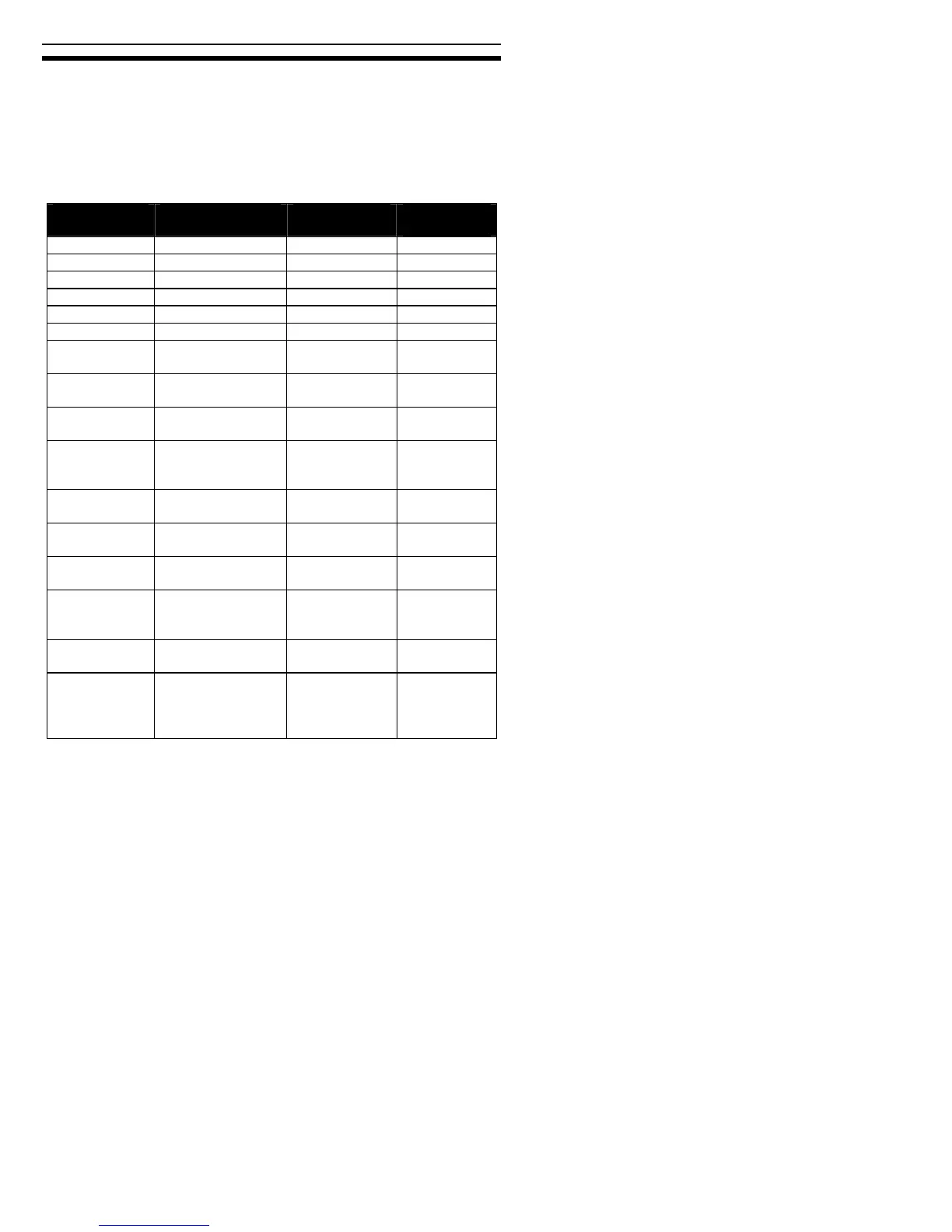
When you are writing to a CD-R or CD-RW disc, the color and blink
rate of the front-panel LED indicator indicate the speed of writing, as
follows:
Operation LED color On/Off/Blink Blinking
interval
No disc – Off –
Eject Yellow On –
Loading – Off –
Initialize Yellow On –
Standby Green On –
Read Yellow On –
DVD write,
8X and higher
Amber Blink 40ms
DVD write,
4-7X
Amber Blink 80ms
DVD write,
less than 4X
Amber
Blink 150ms
CD-R write,
32X and
higher
Amber
Blink 40ms
CD-R write,
16-31X
Amber
Blink 80ms
CD-R write,
less than 13X
Amber
Blink 150ms
CD-RW write,
24X
Amber
Blink 40ms
CD-RW write,
10-23X;
10X CLV
Amber
Blink 80ms
CD-RW write,
4X
Amber
Blink 150ms
Buffer
Underrun
Proof / DVD
linking active
Green On –



 To Next Page