Section 3. Installing the PX-712SA Internal SATA Drive
PX-712 Installation and Users Manual 39
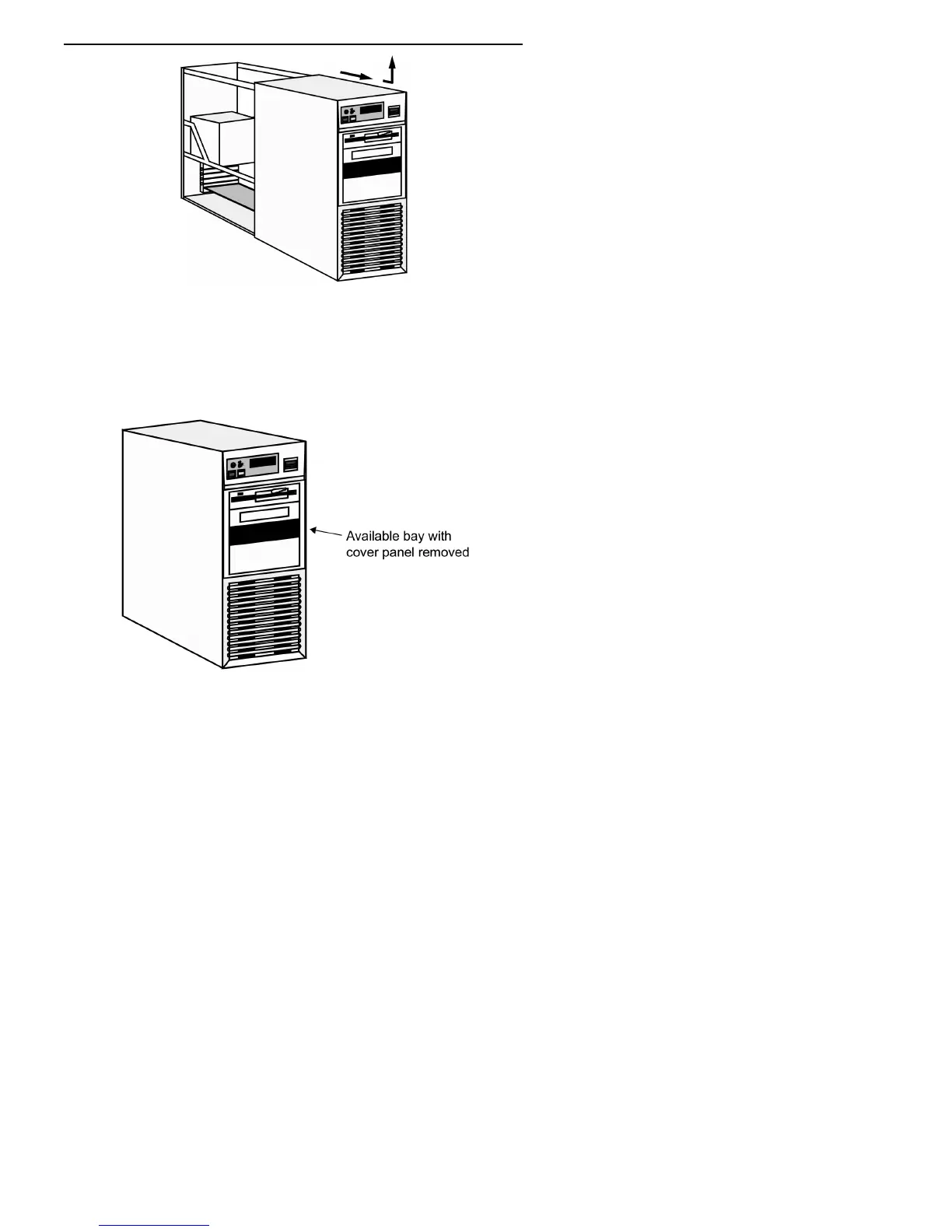
Figure 20: Removing a typical computer's cover
3. Remove the cover panel from the bay that will hold the drive. To
remove the cover panel, pop it out by pressing outward lightly. (In
some older computers, you may have to remove screws that hold the
panel in place.)
Figure 21: Removing the cover panel from a bay



 To Next Page