Section 3. Installing the PX-712SA Internal SATA Drive
42 PX-712 Installation and Users Manual
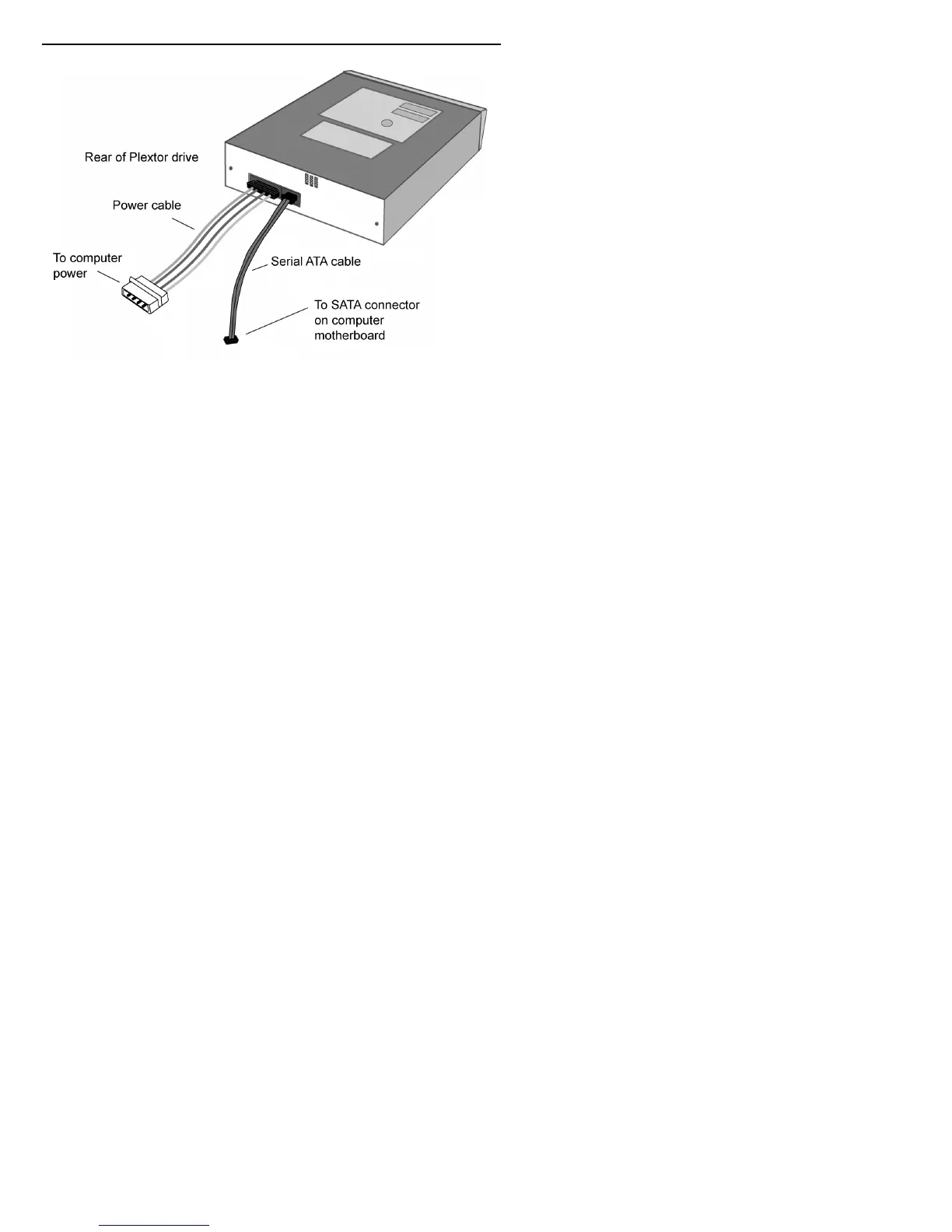
Figure 23: Cable connections for an internal SATA drive
9. Mount the PX-712A drive in the computer using the four screws that
were supplied with your drive. Use only these screws.
CAUTION: Do not mount your drive in your computer using screws other
than those supplied by Plextor. You may damage the drive if you insert
screws that are too long or the wrong thread type.



 To Next Page