Section 5. Advanced Features and PlexTools Professional
PX-712 Installation and Users Manual 75
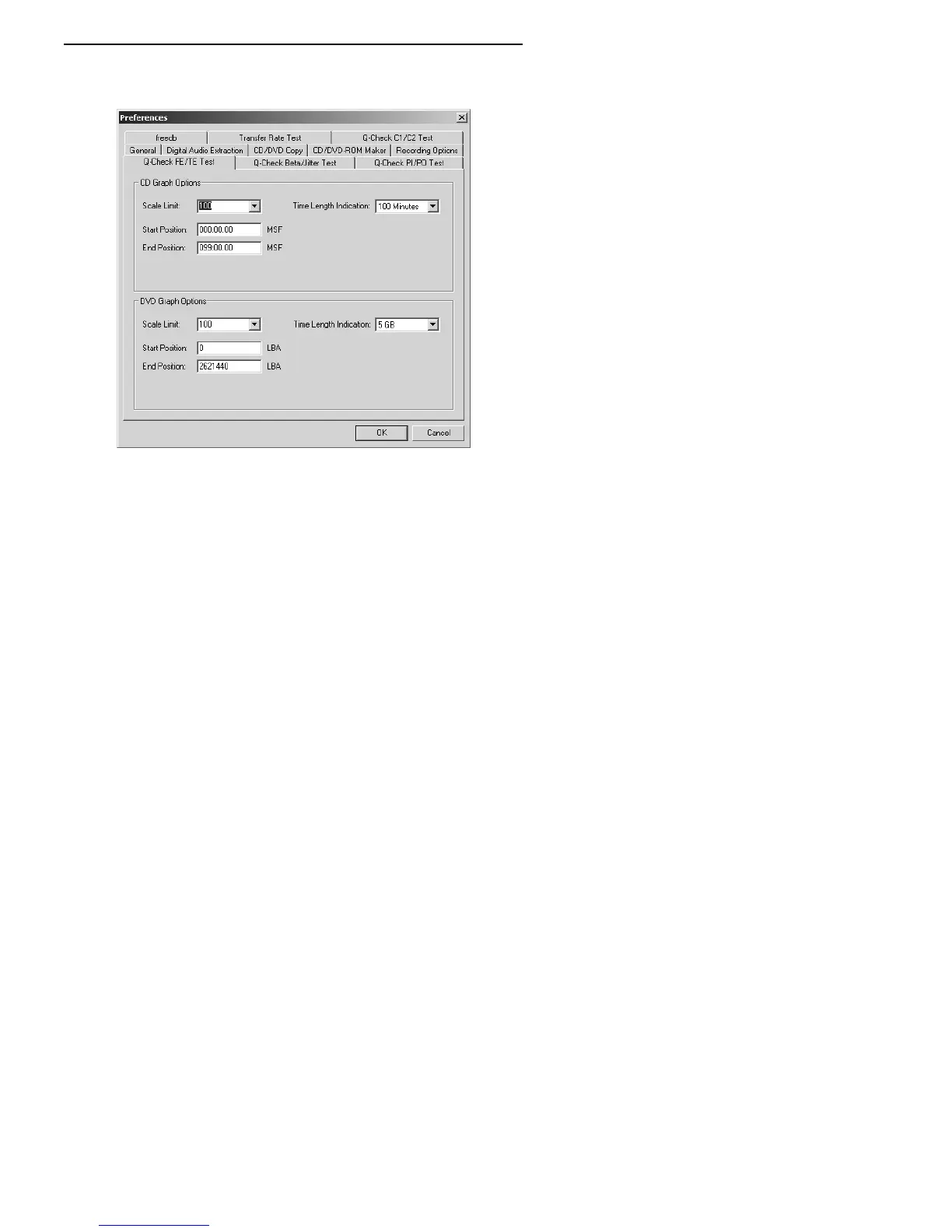
3. Click the Preferences button to view or change the preferences. You
can change the scale, the start position, and the end position.
Figure 37: Changing preferences for graphing focus error and
tracking error
4. Click OK to exit the Preferences window and return to the Q-Check
FE/TE Test window.
5. To begin measurement, in the FE/TE Test window, click the Start
button. You see the traces representing focus error (FE) and tracking
error (TE).



 To Next Page