Section 5. Advanced Features and PlexTools Professional
PX-712 Installation and Users Manual 79
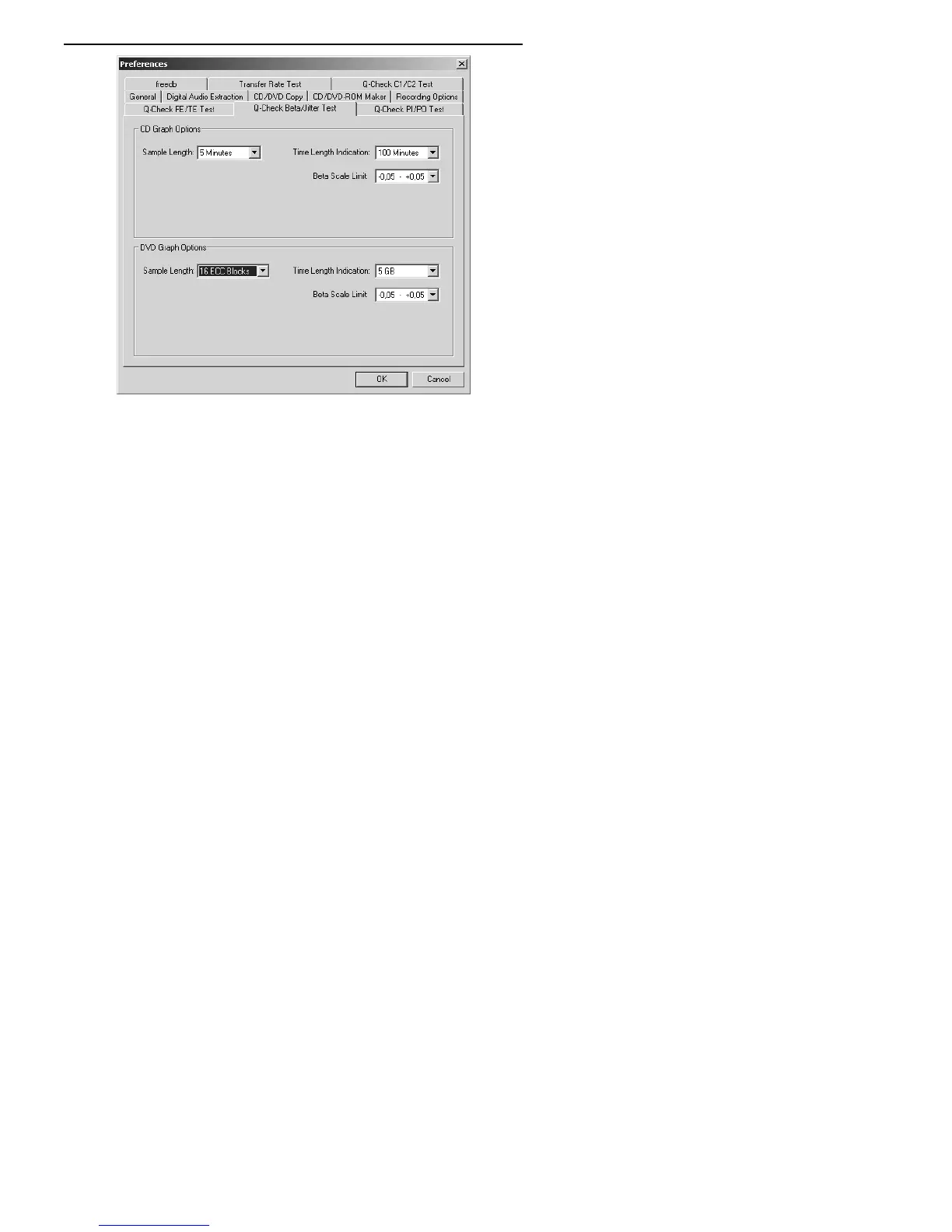
Figure 39: Changing preferences for graphing beta and jitter
4. Click OK to exit the Preferences window and return to the Q-Check
Beta/Jitter Test window.
5. To begin measurement, in the Beta/Jitter Test window, click the
Start button. You see the error counts representing the result of beta
error measurement jitter measurement.
6. To end measurement, click the Stop button, or wait for the
measurement to stop by itself. Your window shows the test results,
and a graph of the error counts recorded by the application.



 To Next Page