20
PS2_0001 [EN]
How to check the remaining battery level
and timing of charging
• To check the remaining battery level,
briefly press the Action Button while the
Sliding Cover is closed. You cannot check
the remaining battery level during heating
or use.
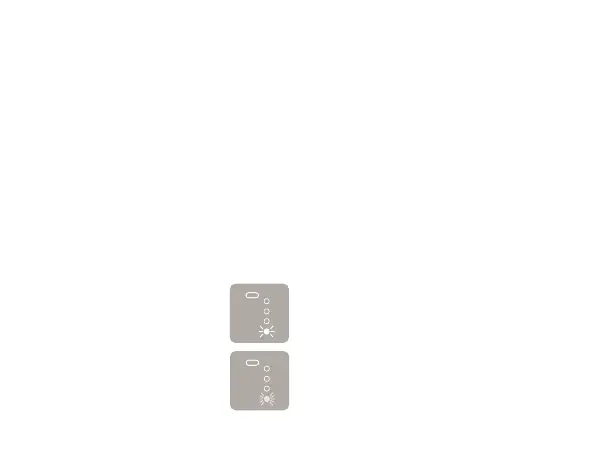
• If the first Status Indicator
LED is flashing slowly, this
means that the remaining
battery level is extremely low.
Charging is recommended.
If the LED is flashing rapidly,
the battery is depleted and
you cannot use the device.
Please charge the battery
(Page 17).



 To Next Page